Uploading files to an event
Attach images, PDFs and documents to an event record.
Keep floor plans, inspiration images and signed paperwork attached to the event.
- Open the event and click the Files tab.
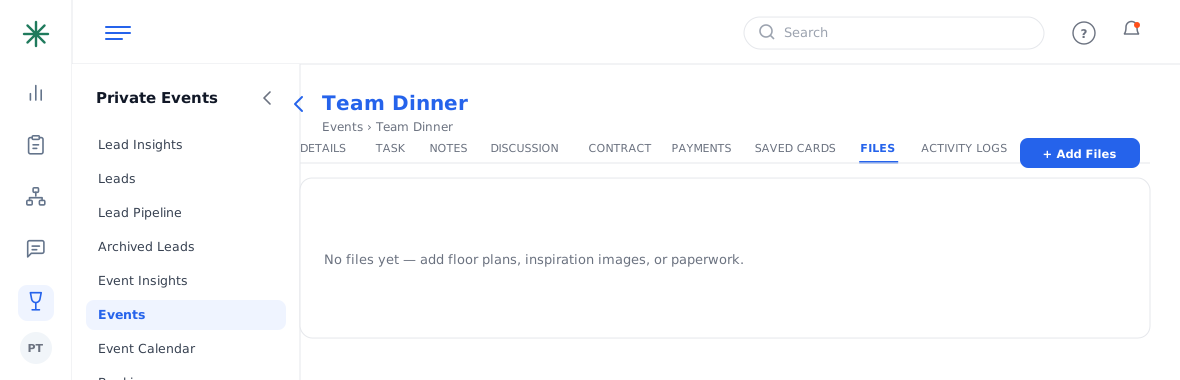
The Files tab - Click Add Files and choose the file(s). Each appears with a thumbnail, date and a menu to download or remove.
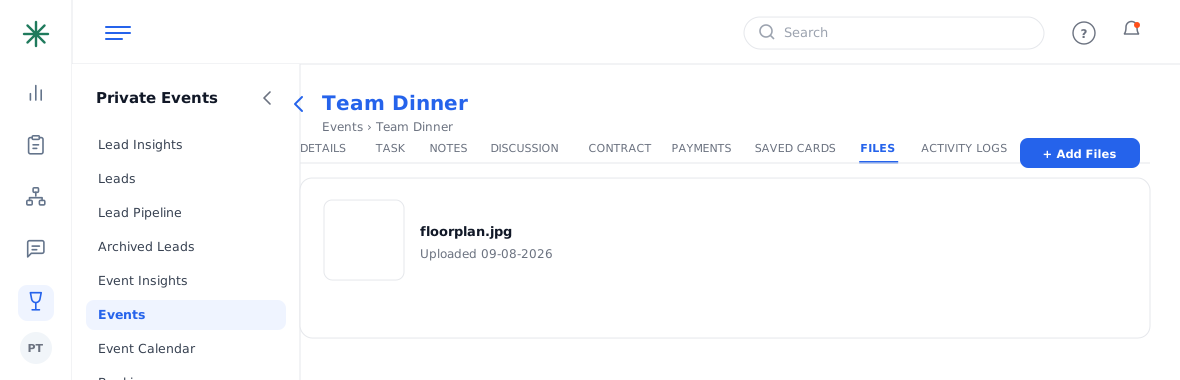
Uploaded files