F&B and room minimums (unmet warnings)
Understand the minimum-spend warnings and how they protect your revenue.
Events often commit to a Food & Beverage minimum and a room rental. Panso tracks these against your line items and warns you when they aren’t met.
- In the contract’s Invoice Totals, watch the Unmet F&B Minimum and Unmet Rental Minimum flags.
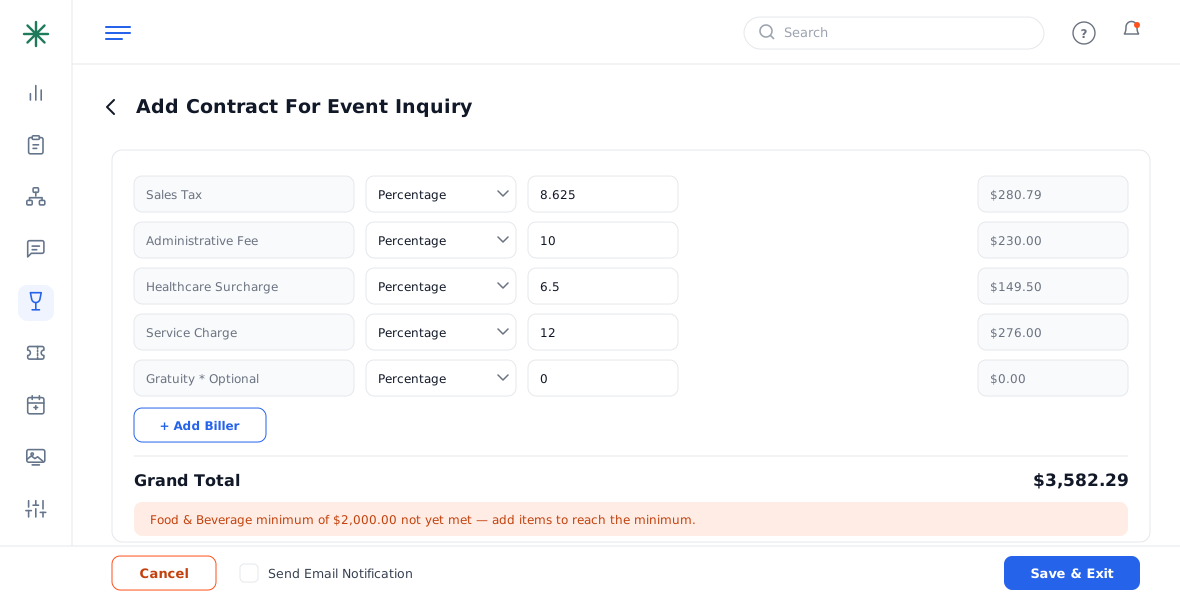
Unmet minimum warnings - Add enough Food/Beverage line items (or room fees) to cover the commitment — the warning clears once the minimum is met.
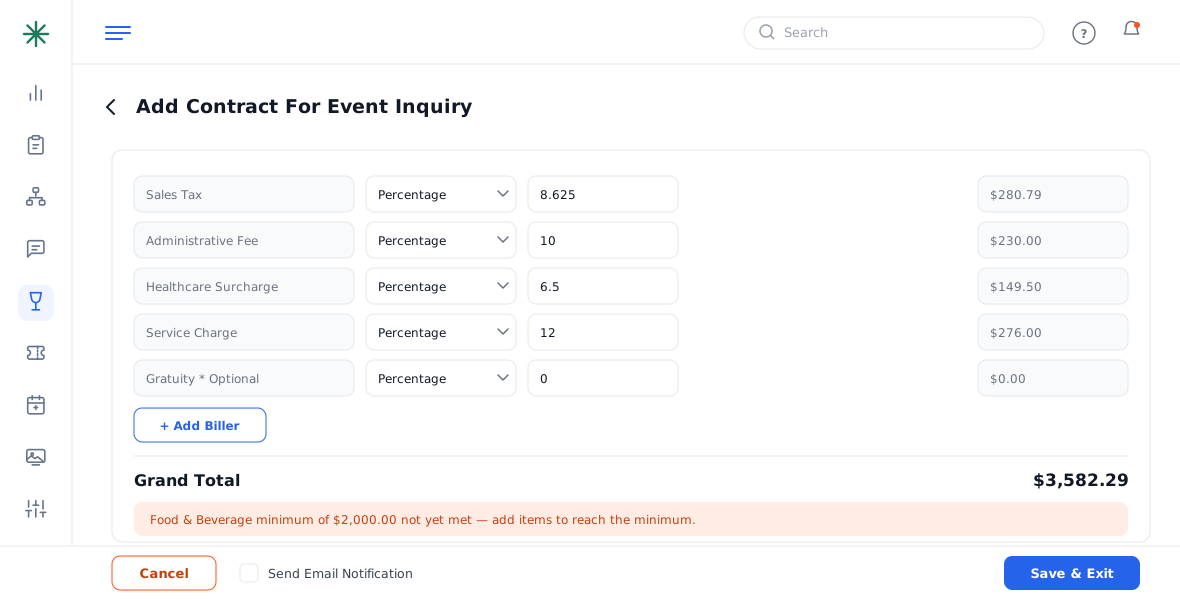
Minimum satisfied
Minimum behavior is configured in Settings → Billing Settings under Event Contract Unmet Minimum Settings.
Frequently asked questions
What counts toward the F&B minimum?
Priced Food and Beverage line items. Room rental and $0.00 included items don’t count.
Can I save a contract with an unmet minimum?
Usually yes — the flag is a warning, not a hard block — but it means you may be under-billing the commitment. Add items or adjust the minimum first.
Where is the minimum set for an event?
In the event’s Other Details / Financial section (F&B Minimum, Room Rental). The contract tracks line items against those figures.