How to sign in to Panso
Log in to your Panso account with your email and one-time code.
Panso uses a simple email + one-time-code login — there is no password to remember.
- Go to crm.hellopanso.com in your browser.
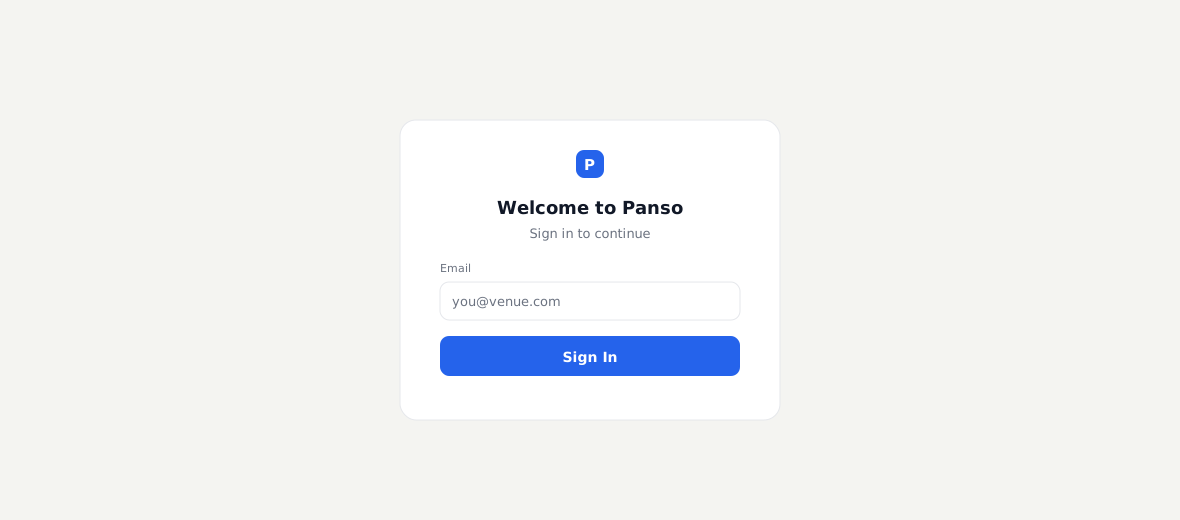
The Panso login screen - Enter your work email address and click Sign In.
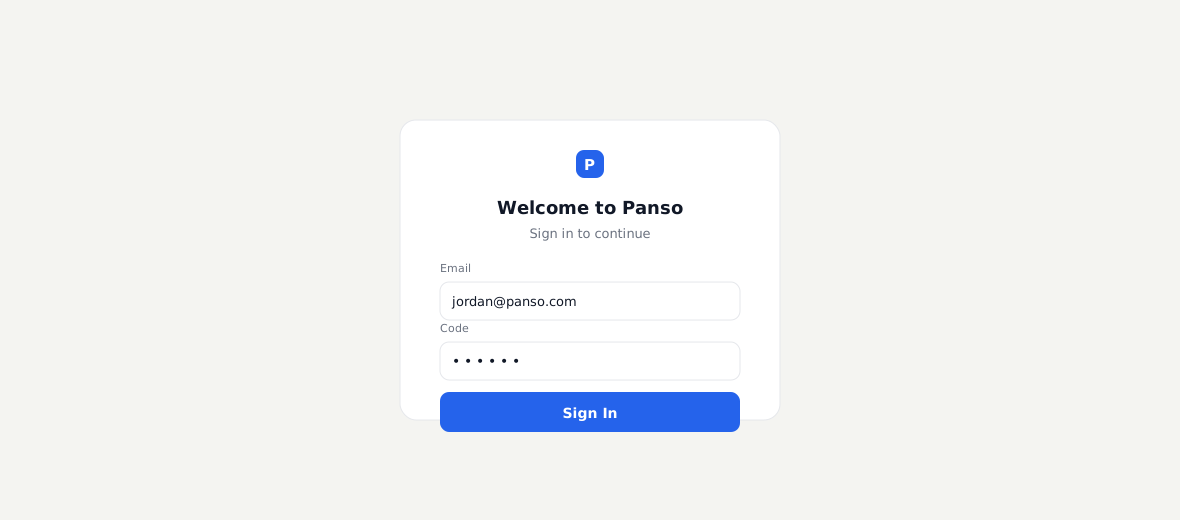
Entering your email - Check your inbox for the verification code and enter it to finish signing in.
If you don’t see the code, check spam, or wait a minute and use Resend. Codes expire after a few minutes.
Your access to modules and settings depends on the role your admin assigned you (see Managing team members & roles).
Frequently asked questions
I didn’t get a code — what now?
Check spam, confirm you used your work email, and use Resend. Codes expire after a few minutes, so request a fresh one if it’s been a while.
Do I need a password?
No — Panso uses email + one-time code, so there’s no password to set or reset.
I can’t see a module I expected — why?
Your role controls what you can access. Ask an admin to adjust your role if you need a module or setting that’s hidden.
Can I stay signed in?
You’ll stay signed in on your browser for a while; you’ll be asked for a fresh code after the session expires or on a new device.