Assigning managers and owners
Put the right staff on an event so tasks and alerts route correctly.
Each event tracks its customer(s) and the internal manager/owner responsible for it.
- Open the event and go to the Details tab.
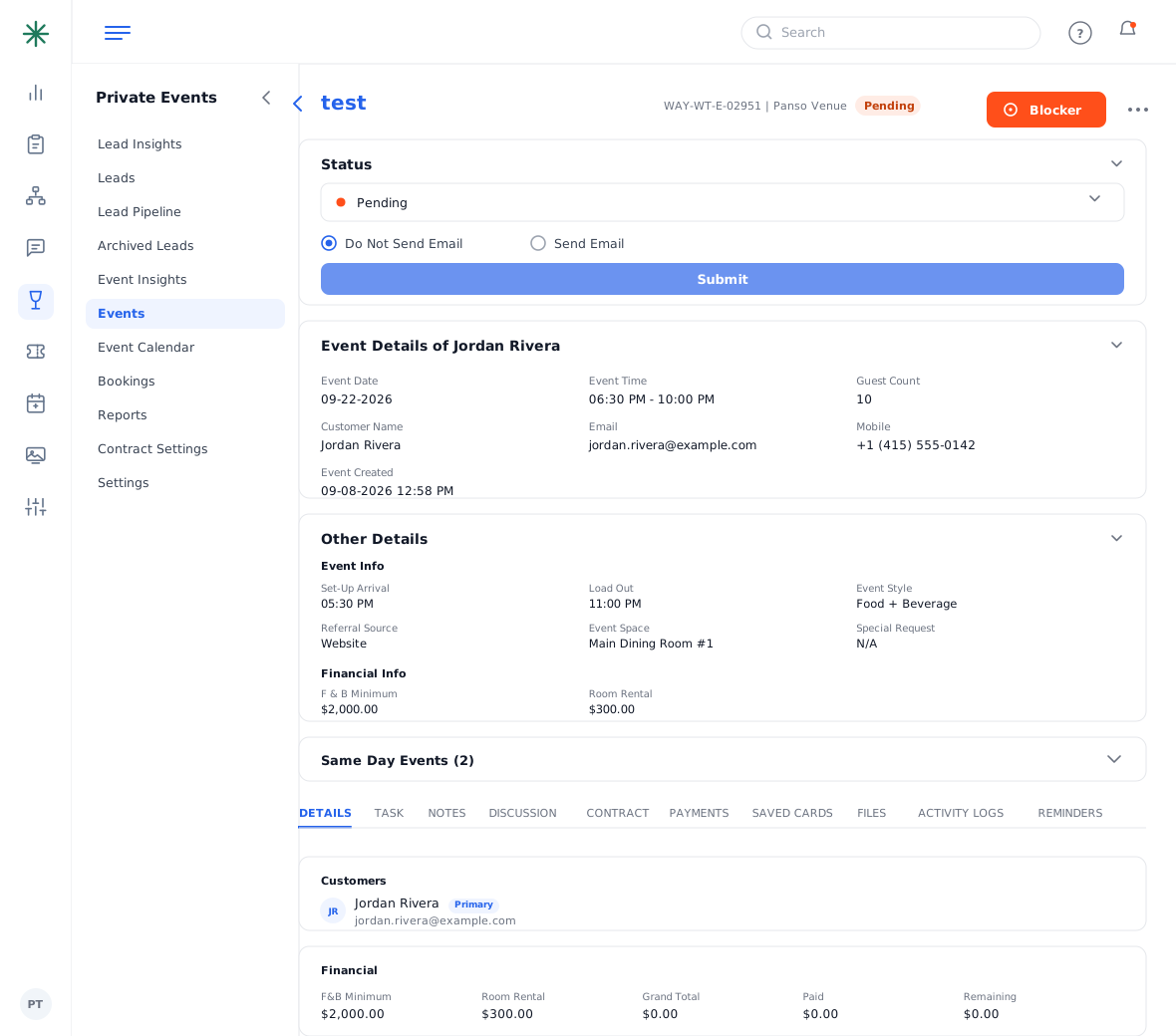
The Details tab - In the Managers section, set the primary manager. In Customers, confirm the primary guest and add any additional contacts.
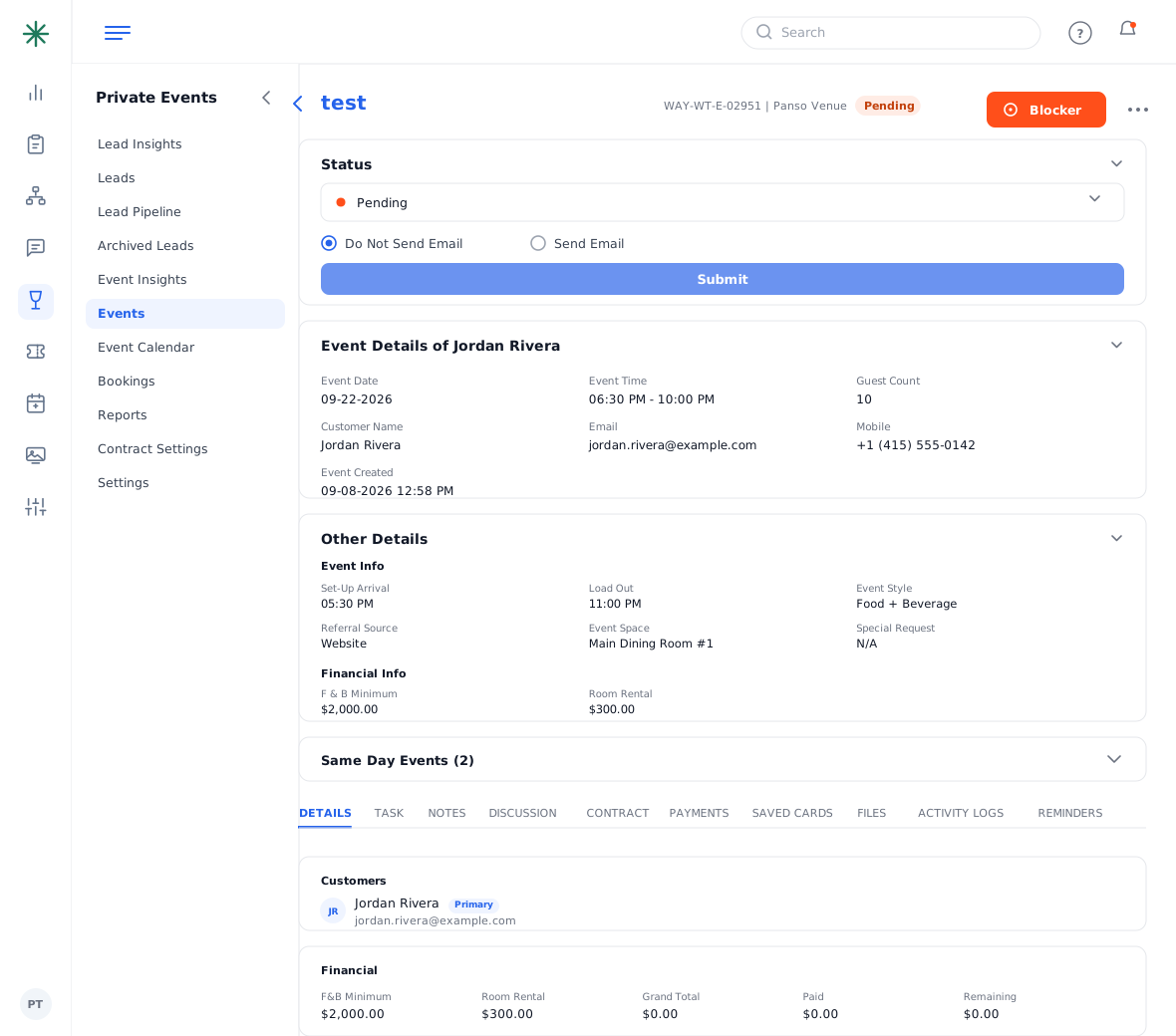
Managers and Customers sections
The owner shown in Additional Details is who reports and notifications attribute the event to.