Running a report
Filter and export financial, sales and pace reports.
The Reports area offers ten report types — each a filterable query you can export.
- Open Private Events → Reports and pick a report (e.g. Outstanding Payments, Event Payment, Sales Team, Pace).
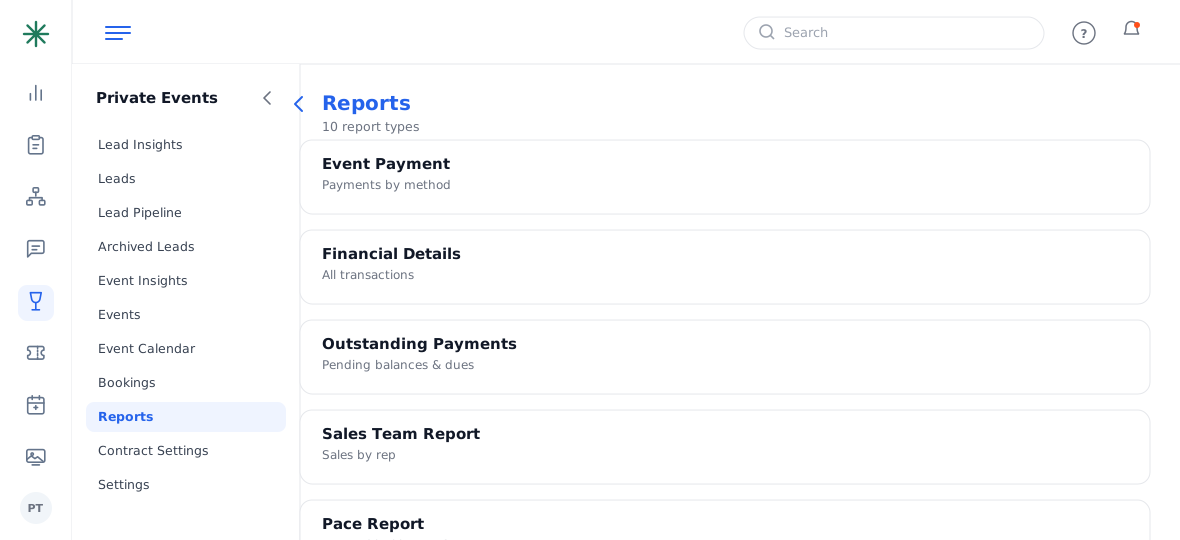
The Reports list - Set filters (location, date ranges, status) and click Submit to build the results table, then export.
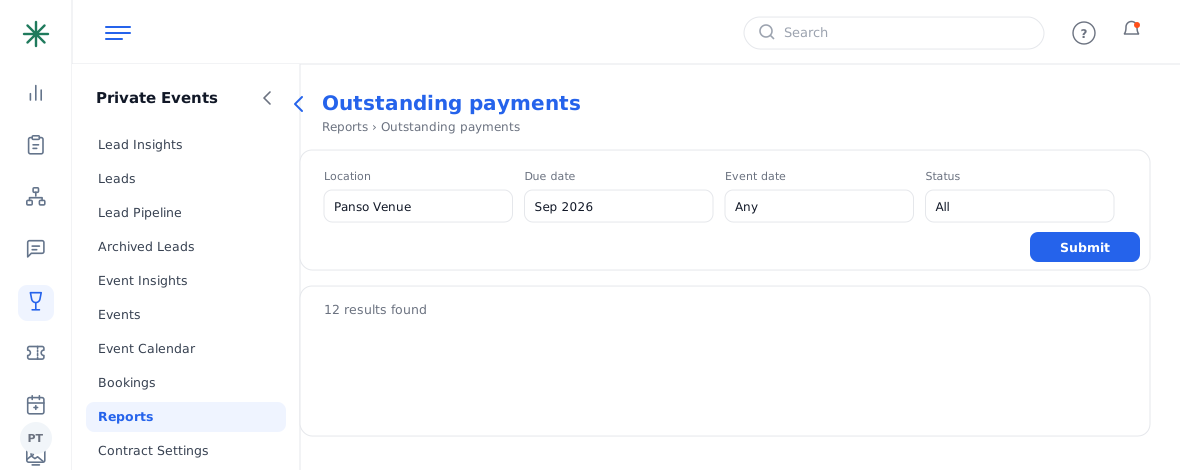
A report’s filters and results
- Outstanding Payments — unpaid balances and dues.
- Financial Details / Event Payment — money in, by method.
- Pace / Event Forecast — forward-looking performance.
- Top Clients & Repeat Business — who to focus on.
Most reports export, so you can pull a filtered view into a spreadsheet for finance or a management review.
Frequently asked questions
Which report shows who still owes money?
Outstanding Payments — it lists pending balances and unpaid dues across events.
How do I see how a salesperson is doing?
The Sales Team Report tracks sales by rep; the Pace Report shows forward-looking performance.
My report is empty — why?
Usually the filters. Widen the date range or clear a status/location filter, then Submit again.
Can I export the results?
Yes — run the report, then use the export option to download the filtered table.