Archiving or marking a lead lost
Keep your pipeline tidy by closing out leads that won’t book.
Not every inquiry books. Closing out dead leads keeps your pipeline and reports accurate.
- Open the lead and set its Status to Lost (or drag it to the Lost column on the pipeline).
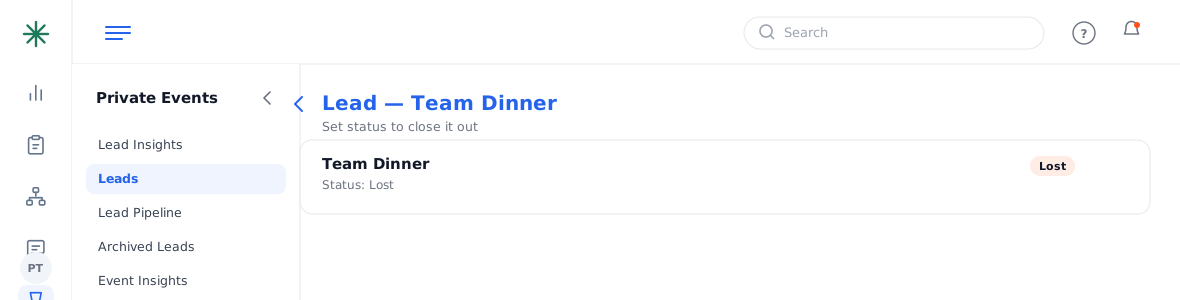
Setting a lead to Lost - To remove it from the active list entirely, use Archived Leads in the sidebar to review or restore archived records.
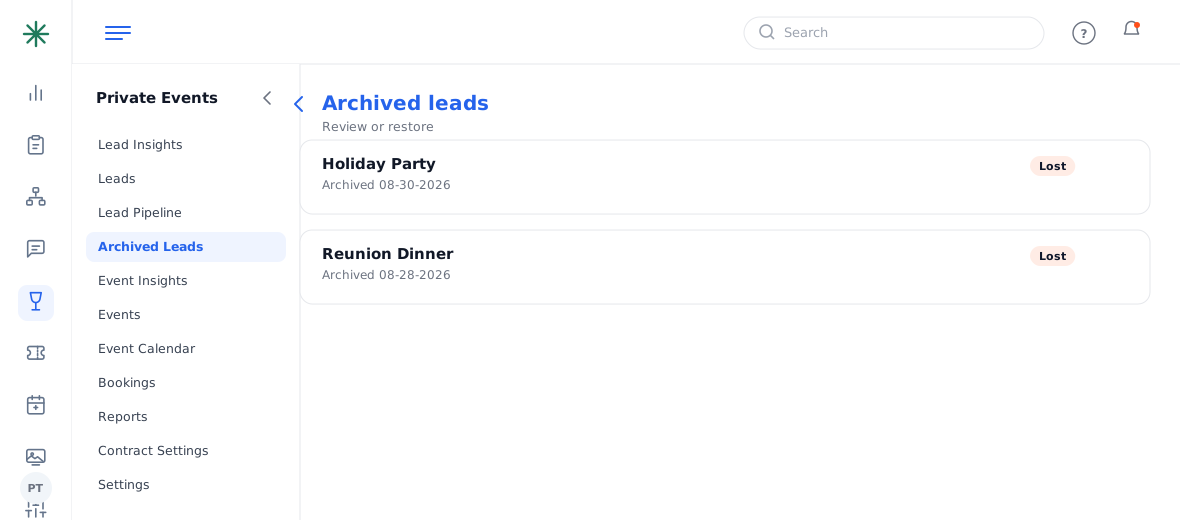
Archived Leads
Lost is a status, not a delete — the record stays for reporting and can be revived if the guest comes back.