Generating documents (BEO, Contract, Invoice…)
Every contract produces five formatted, branded documents from one dataset.
Each contract can generate five document types — all branded and built from the same event data: Banquet Event Order (BEO), Contract, Invoice, Menu and Proposal.
- Open the event → Contract tab and click the Documents dropdown on a contract row.
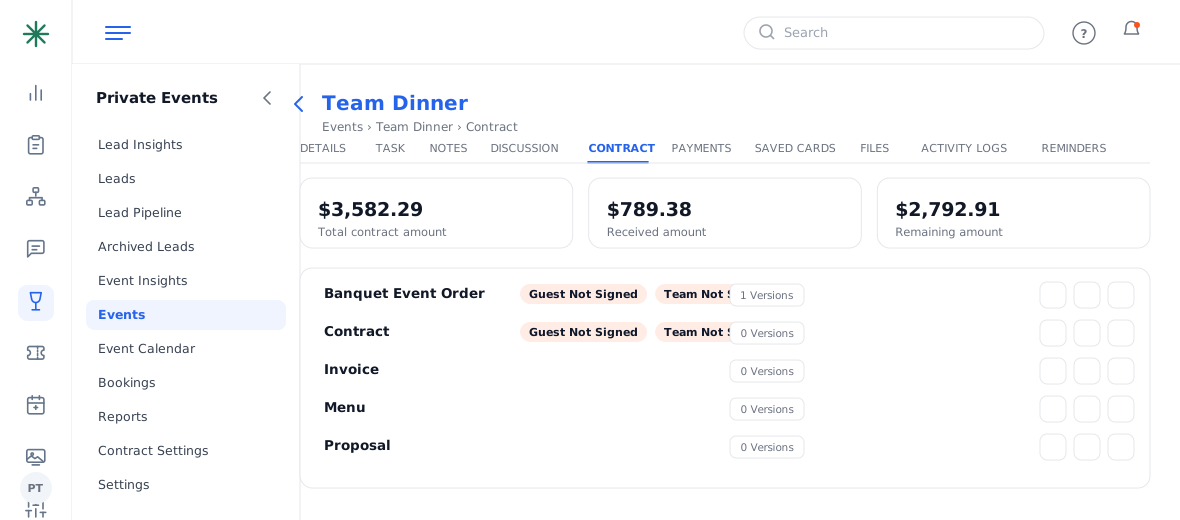
The Documents dropdown - Each document lists a version count and actions: view (eye), share, copy and more.
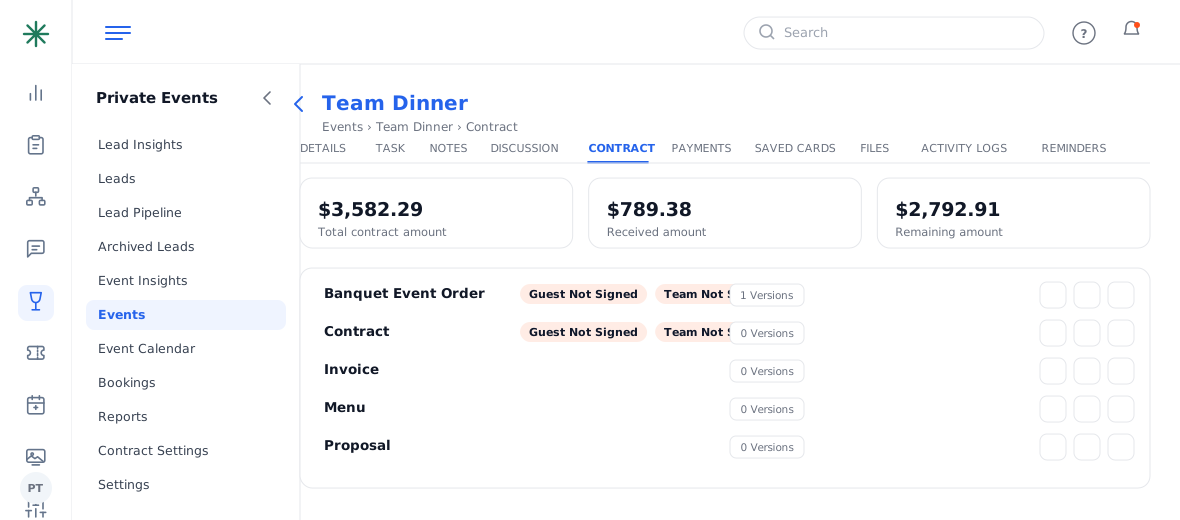
Document list with actions - Click the eye icon to preview a document. It renders live with your logo, event details, line items, the full fee breakdown and totals.
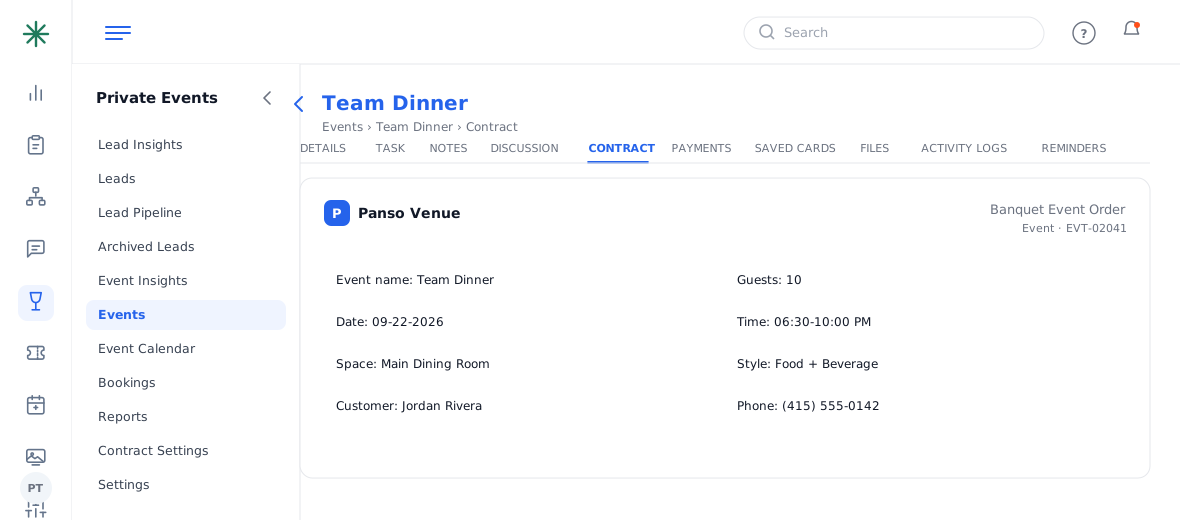
A generated BEO preview
- BEO — the operational run sheet (special instructions, menu, logistics).
- Contract — the legal agreement with terms & a signature / card-authorization block.
- Invoice & Proposal — billing and sales versions of the numbers.
- Menu — the guest-facing food selections.
“0 Versions” means the document has only been previewed live; saving/sending it creates a locked version.
Frequently asked questions
Which documents can be signed?
The Contract and BEO carry Guest/Team signature flags; Invoice, Proposal and Menu are informational.
Do I have to generate all five?
No — generate and send only what you need. They all draw from the same contract data, so they stay consistent.
How do I send one to the guest?
Use the Share icon for a portal link, or tick Send Email Notification when saving the contract.
The document shows old numbers — why?
Preview reflects the current contract; if you edited the contract, re-open the document to see the latest, and re-share so the guest has the current version.