Managing companies
Group contacts under their organization for corporate accounts.
Companies are organization records (e.g. corporate clients) that group individual contacts.
- In the CRM module, click Companies. Each shows how many contact profiles belong to it.
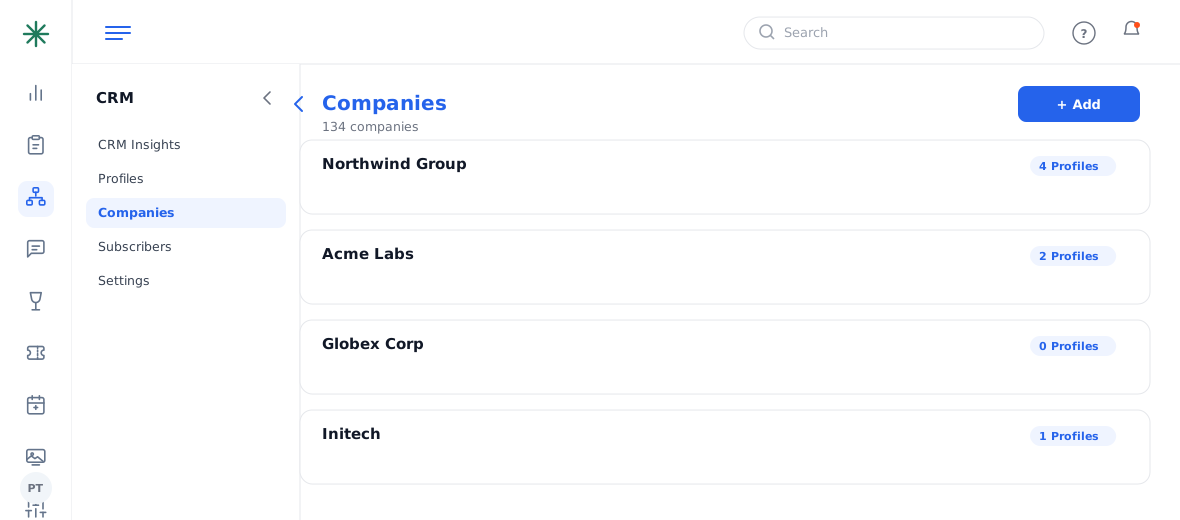
The Companies list - Click + Add to create a company, or open one to see its linked profiles.
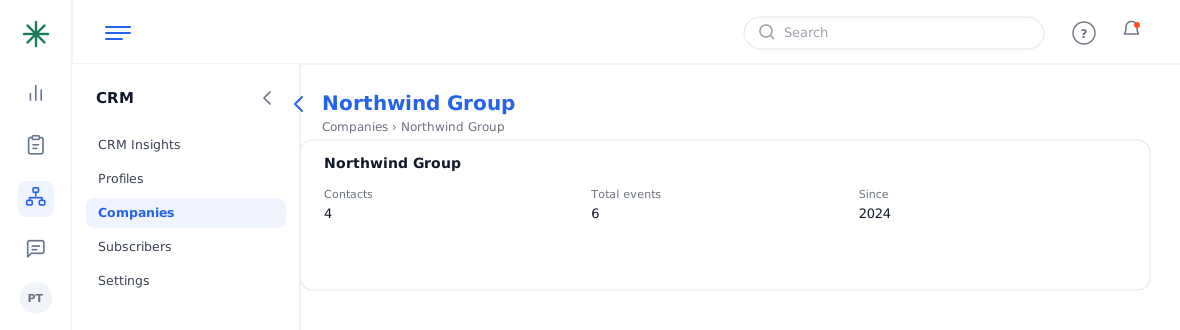
A company record
Linking contacts to a company makes repeat corporate business easy to spot in reports.
Frequently asked questions
How do I link a contact to a company?
Open the profile or the company record and associate them; the company then shows the contact in its profile count.
Why use companies at all?
For corporate clients (e.g. a firm that books several dinners a year), grouping contacts under one company reveals total value and repeat business in reports.
A company shows 0 profiles — is that a problem?
No — it just means no contacts are linked yet. Link the relevant people so their bookings roll up to the account.