Building an audience segment
Create static or dynamic groups of customers with a rule builder.
Segments slice your customer data into targeted groups you can email. They can be static (a fixed list) or dynamic (auto-updating as people match).
- Open the Marketing Suite → Marketing Segments and click + Add Segment.
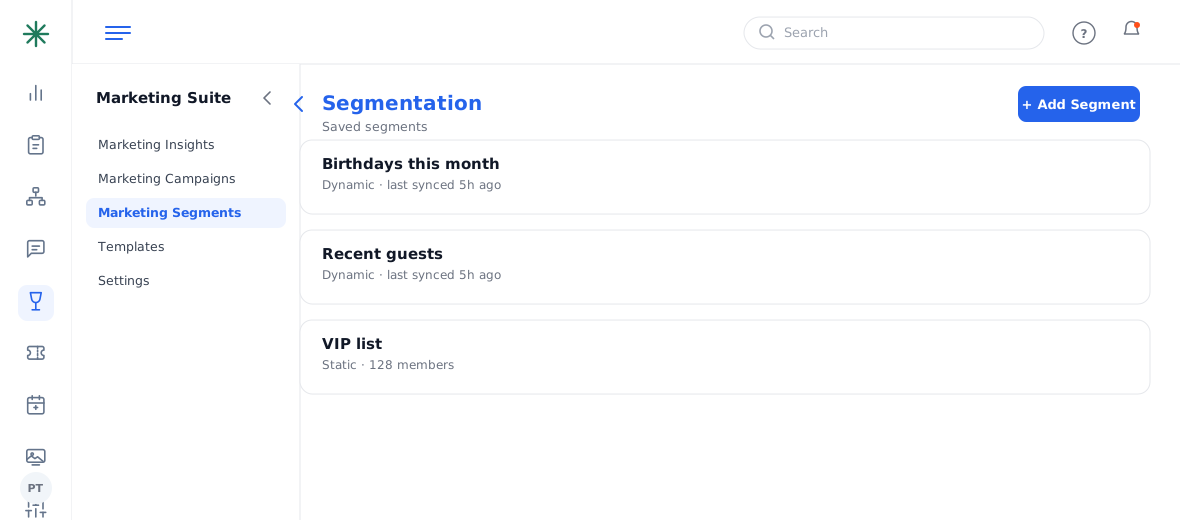
Segmentation with Add Segment - Name it, choose Static or Dynamic, and pick the location.
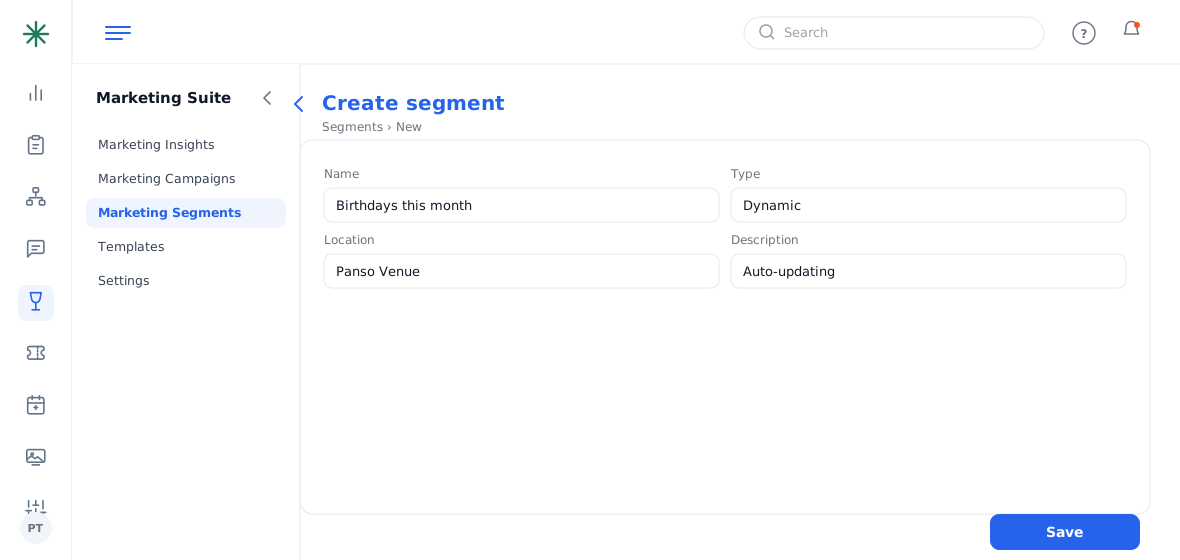
Segment info - Build the Conditions: choose an attribute (First Name, Email, Birthdate, Anniversary, Relationship Start Date…), an operator, and a value. Combine rules with AND / OR.
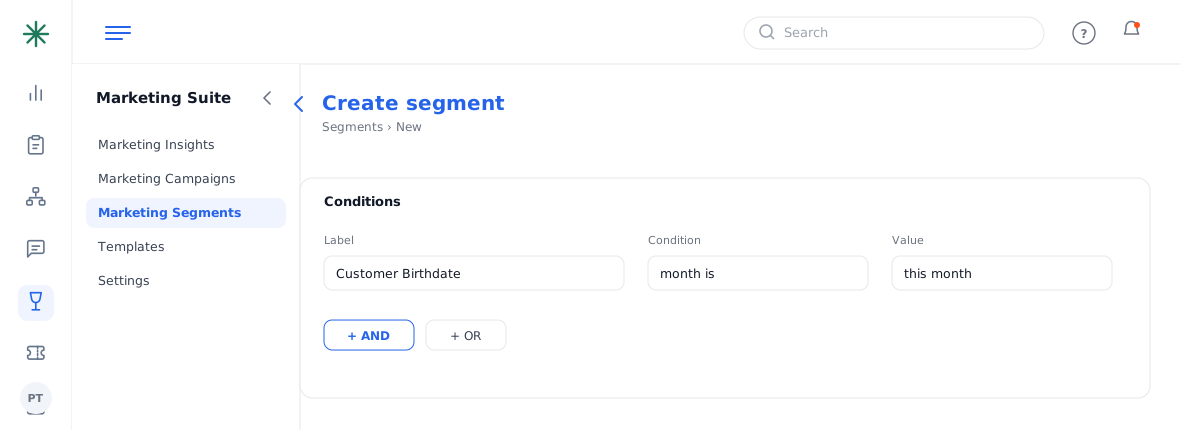
The condition rule builder - Click Submit to save. Dynamic segments re-sync automatically.
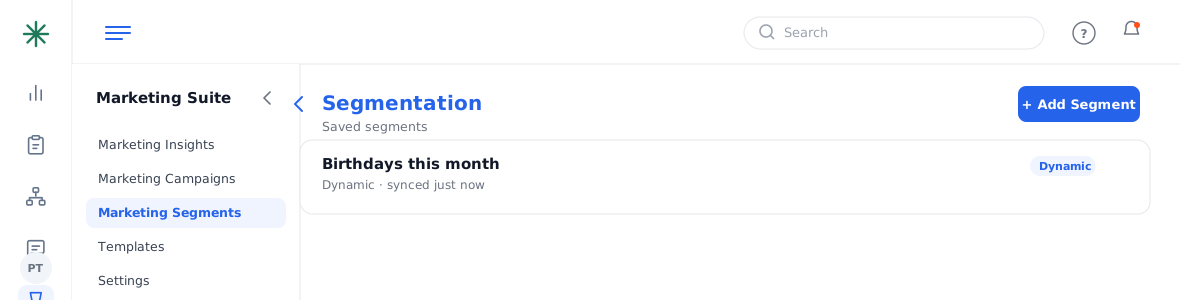
A saved dynamic segment
Great hospitality segments: “birthdays this month” or “anniversaries” — perfect for timely, personal offers.
Worked example
A “birthday this month” segment:
| Type | Dynamic |
| Condition | Customer Birthdate — month is this month |
| Result | Auto-updates daily |
Because it’s dynamic, the audience refreshes on its own — no manual list to maintain.
Common pitfalls: (1) A too-narrow rule set can return zero people — check the count before you rely on it. (2) Static segments don’t update; use Dynamic for anything recurring. (3) Segments only include people in the CRM — they can’t reach non-customers.
Frequently asked questions
Static vs dynamic — which should I pick?
Dynamic auto-updates as people match/stop matching (best for birthdays, anniversaries, recent guests). Static is a frozen list you build once.
Can I combine conditions?
Yes — stack rules with AND (must meet all) and OR (meet any) to target precisely.
What fields can I segment on?
Profile attributes like name, email, mobile, relationship start date, birthdate and anniversary.