How to create an event
Add a new private event directly, or convert it from a qualified lead.
There are two ways to create an event: add one directly, or convert an existing lead. Converting is the most common path once an inquiry is ready to book.
Option A — Add an event directly
- Open the Private Events module and click Events in the sidebar.
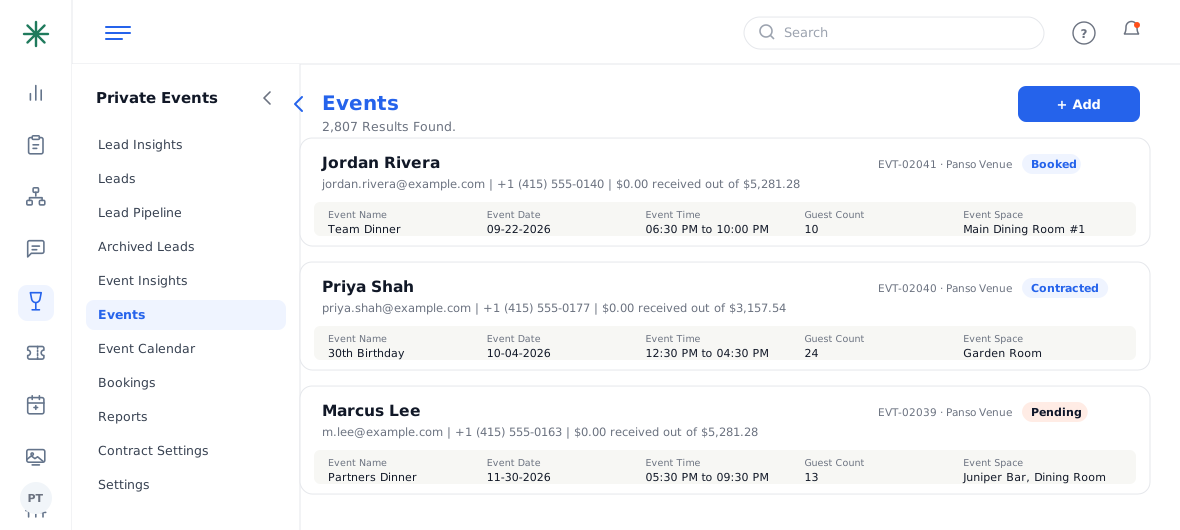
The Events list with the Add button - Click + Add at the top right.
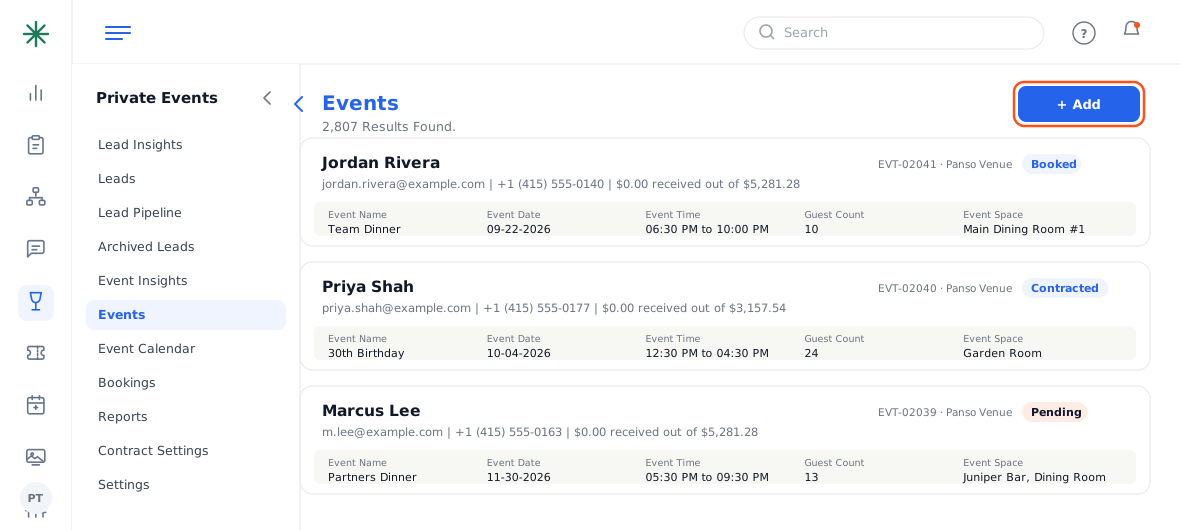
The + Add button - Fill in the Event Details: customer name, email and mobile; event date; start and end time; guest count; event space; event style and occasion.
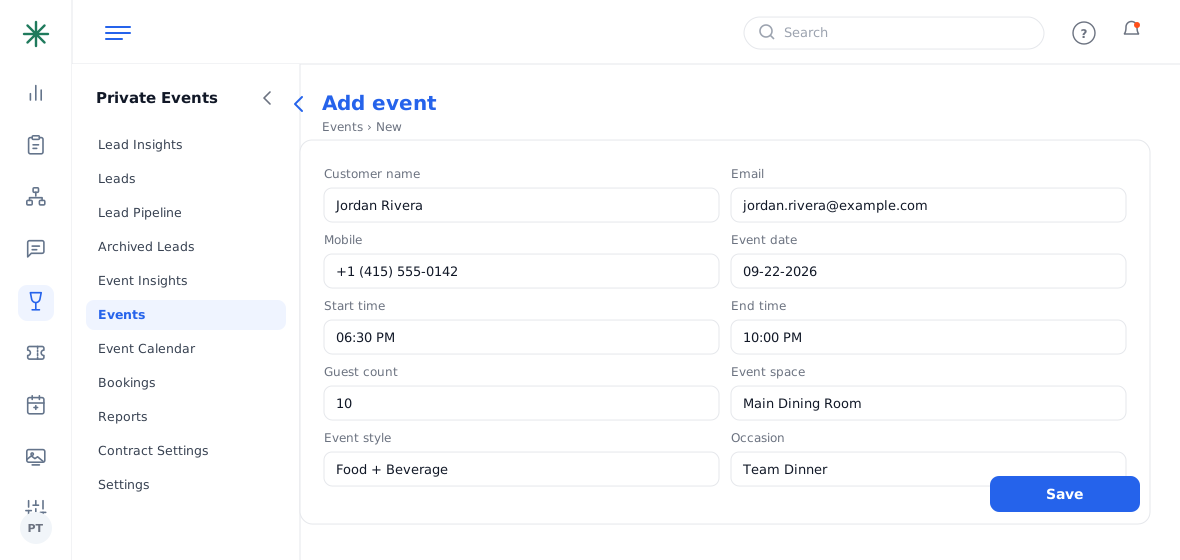
The new-event form - Add any special request notes, then click Save. The event appears in the list with a code like WAY-WT-E-##### and a Pending status.
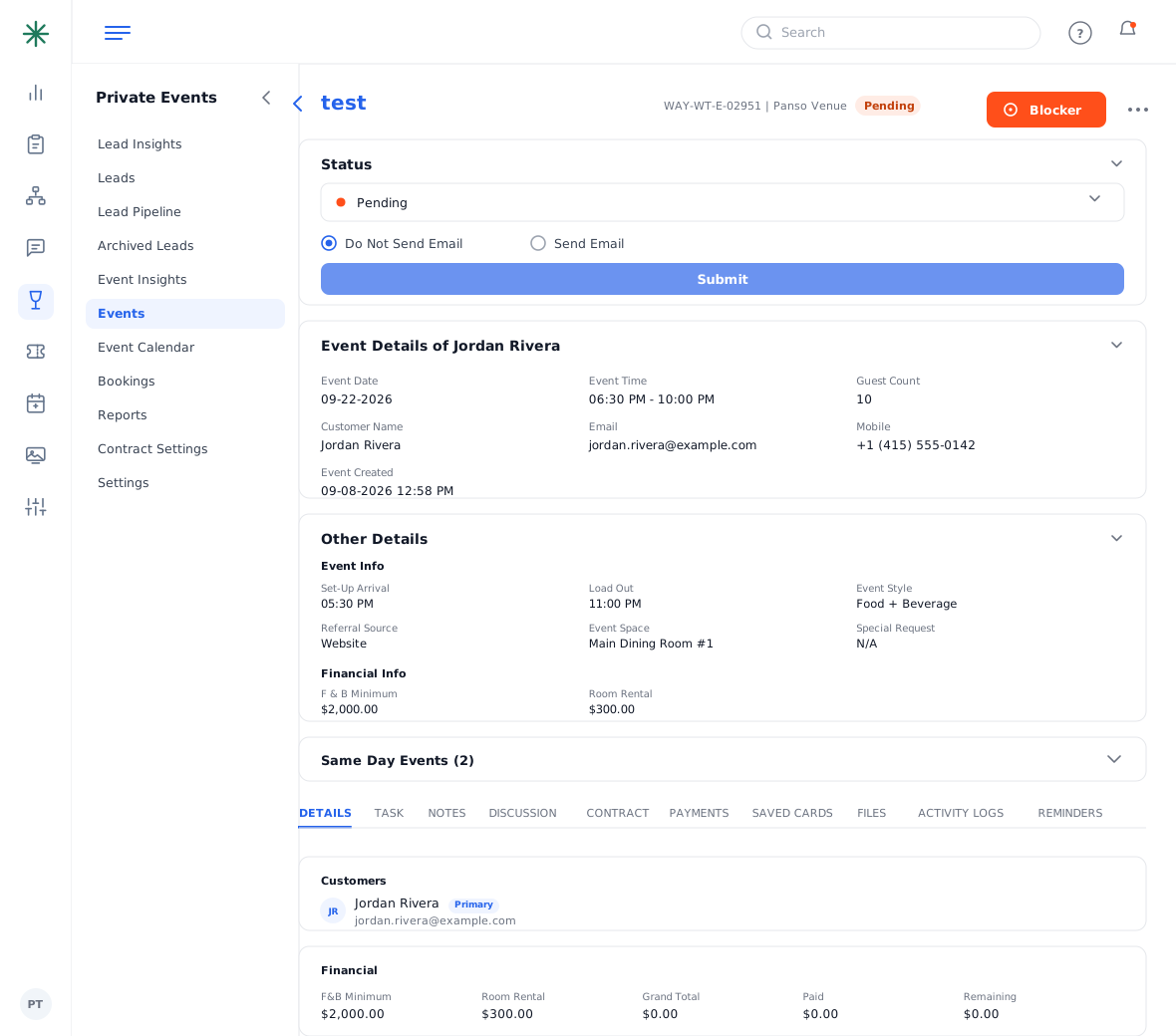
The saved event
Option B — Convert from a lead
If the booking started as an inquiry, open the lead and click + Convert to Event — all the details carry over. See Converting a lead to an event.
Assign a manager/owner right away so the right person gets the follow-up tasks and notifications.
Right after you create it
A new event starts in Pending status with no money attached yet. To move it forward:
- Open the event and confirm the Event Space and guest count — these drive availability and the contract minimums.
- In the Details tab, set the manager and confirm the primary customer.
- When you’re ready to price it, go to the Contract tab and click Add Contract (see How to create a contract).
Common pitfalls: (1) Check the Same Day Events panel before you commit a space — booking a combined space (e.g. a full buyout) blocks its sub-rooms. (2) The event code (WAY-WT-E-#####) is generated automatically; you don’t type it. (3) Leaving guest count blank means minimums can’t be checked later.
Frequently asked questions
What’s the difference between a lead and an event?
A lead is an unconfirmed inquiry (coded with an L). An event is a booking you’re actively working (coded with an E) and is the only one that can hold a contract, documents and payments.
Can I create an event without a lead?
Yes — use + Add on the Events list (Option A above). Converting a lead just saves re-typing the details.
How do I change the room after creating the event?
Open the event, edit the Event Space field, and save. Watch the Same Day Events panel for conflicts.
Where do I set the F&B minimum and room rental?
They live in the event’s Other Details / Financial section and flow into the contract, where the “unmet minimum” warnings track them.