Adding a task to an event
Attach to-dos to a specific event and search them.
Tasks let your team track action items on a specific event.
- Open the event and click the Task tab.
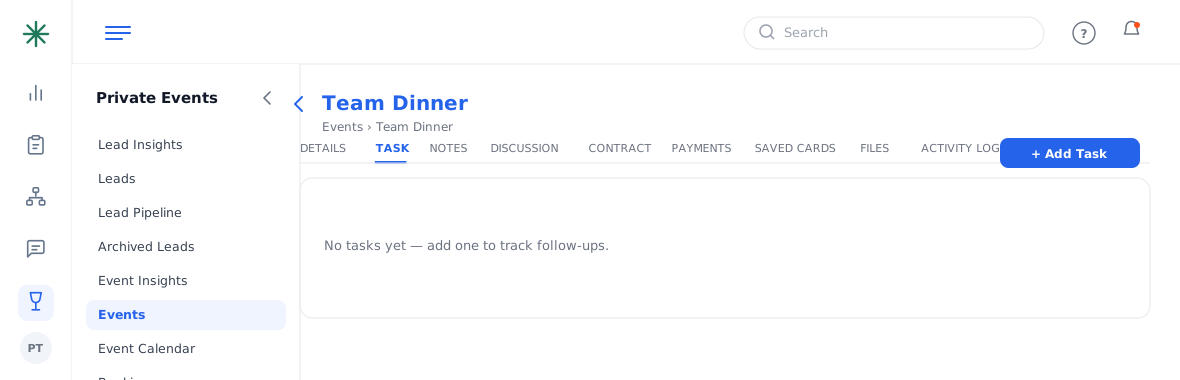
The Task tab - Click Add Task, describe the to-do, and save. Use Search Tasks to find one later.
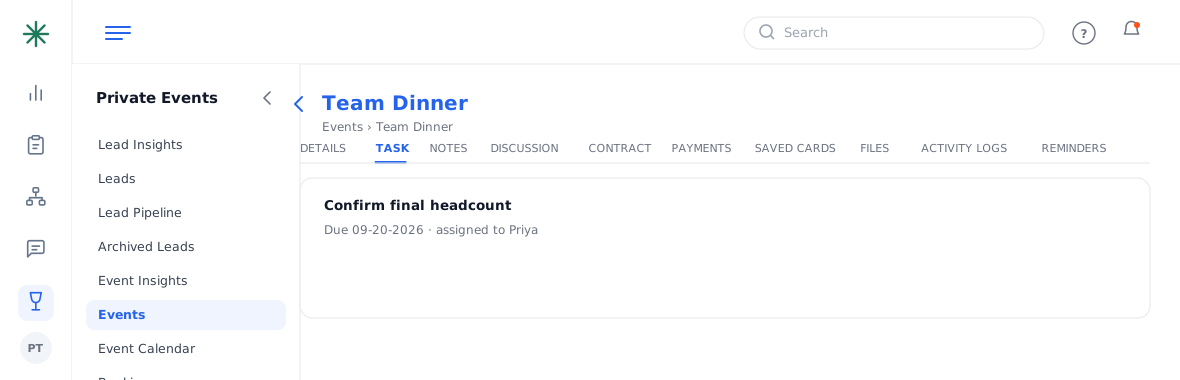
Adding a task
Keep tasks event-specific (e.g. “confirm final headcount”) — for personal reminders across records use the account-level Reminders.