Creating an invoice
Generate an invoice for a contract to send or collect against.
You can generate an invoice for a contract directly from the Payments tab.
- On the Payments tab, click + Create Invoice.
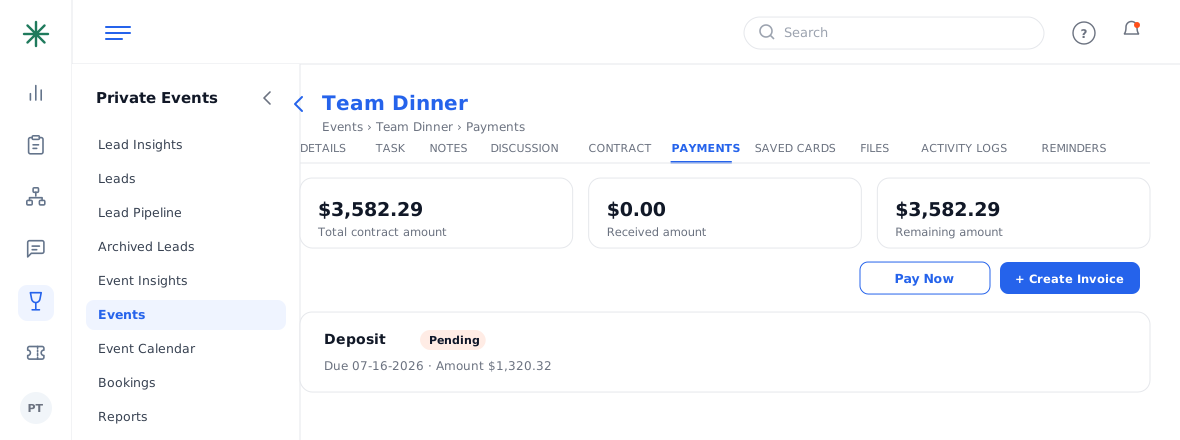
Create Invoice button - Review the invoice details and amounts, then generate it. It becomes available as an Invoice document you can share.
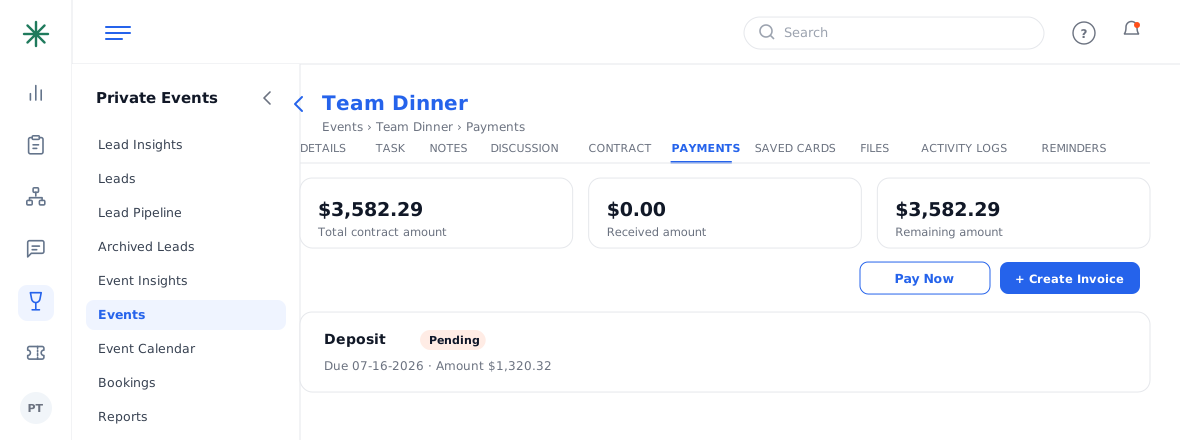
The generated invoice
The Invoice document mirrors the contract numbers in a clean, billing-focused layout — ideal to send for payment.