Using the Discussion (guest email) tab
Send and track email correspondence with the guest, right on the event.
The Discussion tab is a two-way email thread tied to the event — outbound contract emails, automated notifications, and guest replies all live here.
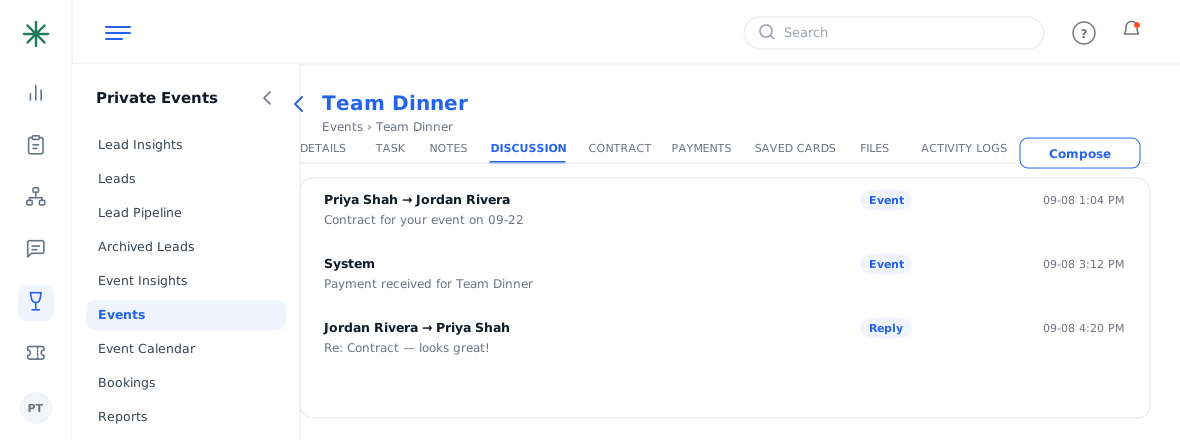
- Open the event and click the Discussion tab to see the message history, each tagged (e.g. “Event”) and timestamped.
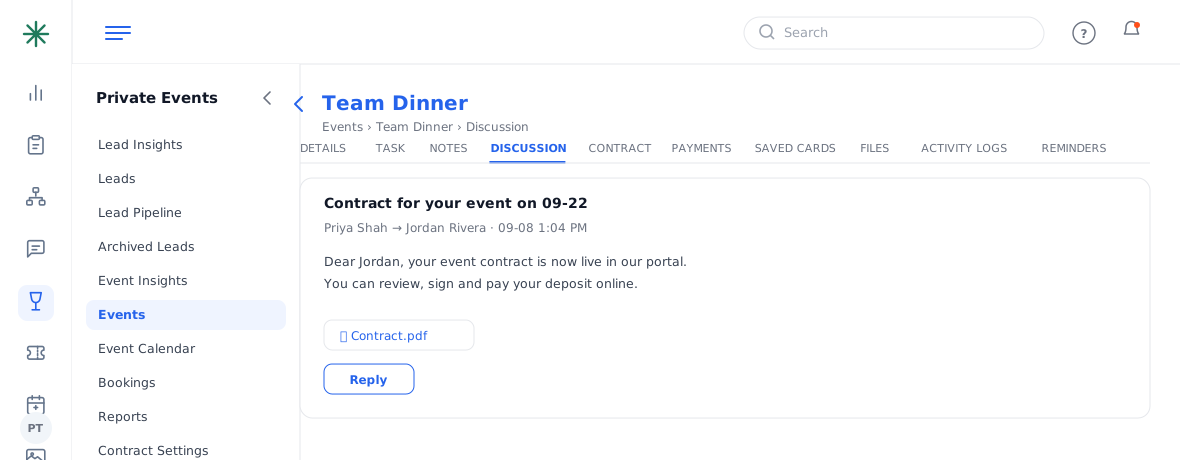
The Discussion thread - Click a message to read it in full, including any attachments (like the contract PDF). Use Reply to respond.
Reading a message - Use Compose to start a new email, or Search With Subject to find one.
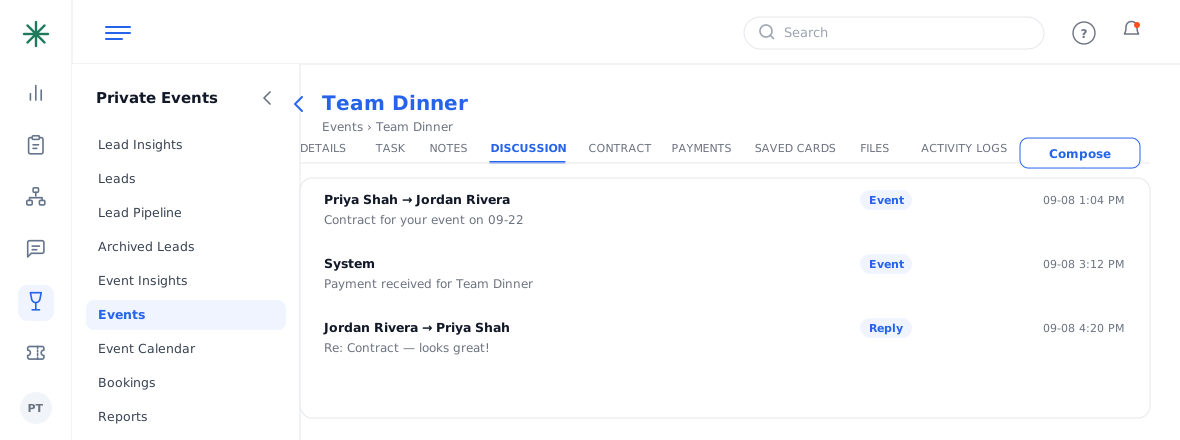
Compose a new email
Automated emails (contract sent, payment received) are logged here automatically — you get a complete record of guest communication.