Setting up document content templates
Manage the reusable text blocks (terms, BEO notes) used in documents.
The text that appears in your documents (terms & conditions, BEO special-instruction notes, bar policies) comes from reusable Content Templates.
- Open Private Events → Contract Settings → Content Templates.
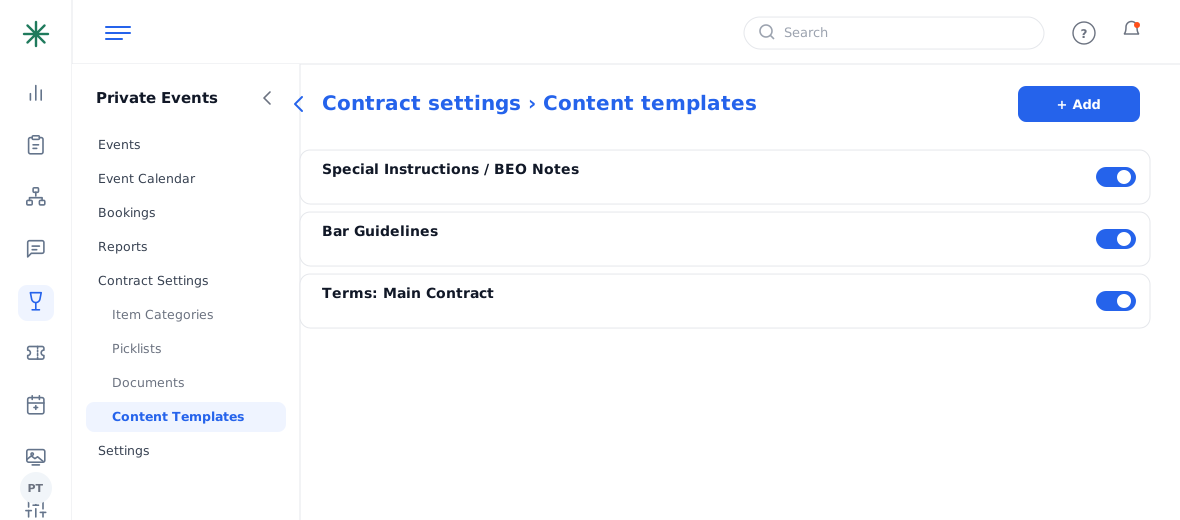
Content Templates - Toggle a block on/off or open it to edit. Examples: “Terms: Main Contract”, “Special Instructions / BEO Notes”.
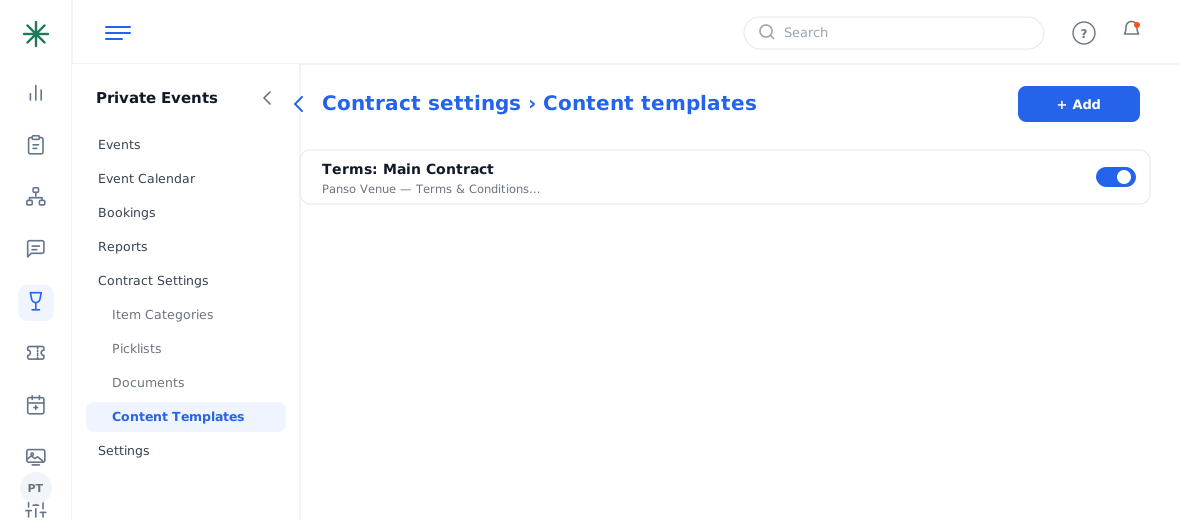
Editing a content block
Other document building blocks live nearby: Item Categories, Picklists, Documents and Document Headers (your branded letterhead).
Frequently asked questions
I updated the terms — do old contracts change?
New/re-generated documents use the current content; already-sent versions keep the text they were sent with.
How do I add my logo to documents?
Set it in Document Headers (letterhead) and in Company Settings (logo/favicon).
Can I turn a content block off?
Yes — toggle it off and it won’t appear in generated documents.