The general contact inquiry form (Guest Inbox)
Configure the public contact form and get its link, embed code and QR.
The Guest Inbox (General Inquiries) module handles inbound contact-form messages. You can manage the public form and grab its share link or embed code.
- Open the Guest Inbox module → Form Settings → Forms. Open the General Inquiries form.
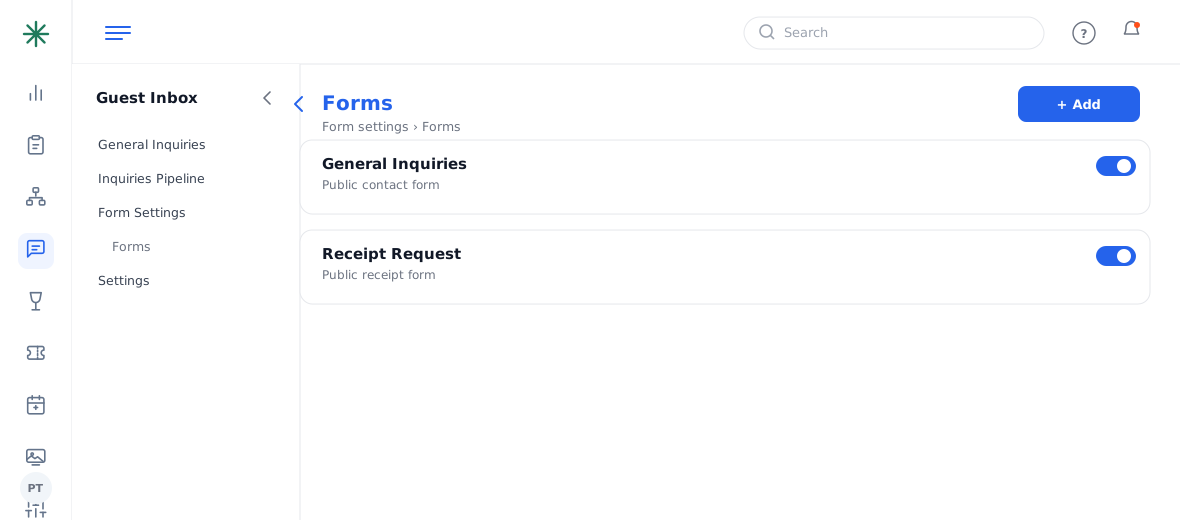
Guest Inbox forms - On the Form tab set the title, description and fields. The Embed tab gives you the Form URL and a copy-paste iframe code; there’s also a QR Code tab and Analytics.
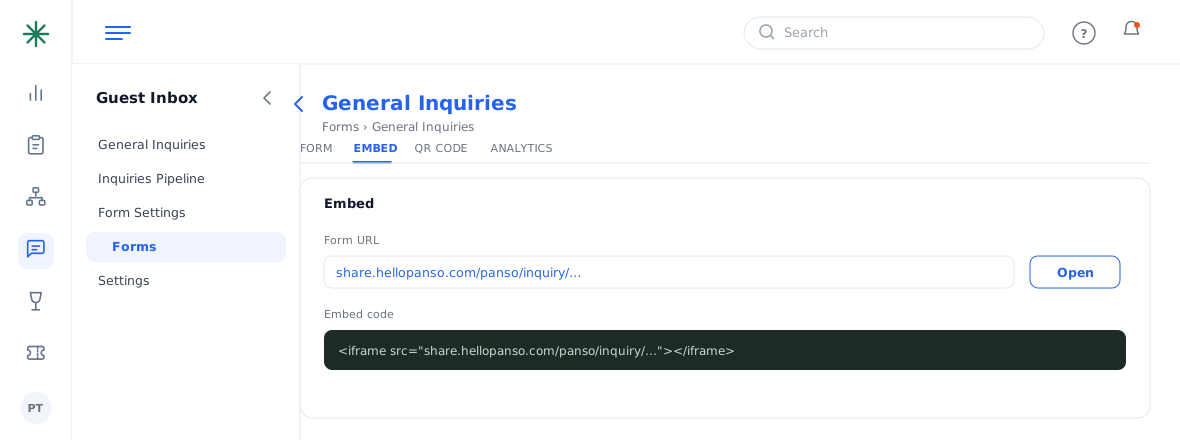
The Embed tab with URL and iframe
Submissions land in the Guest Inbox as “New”, ready to assign to a manager. There’s also a built-in Receipt Request form.
Frequently asked questions
Form URL vs embed code — which do I use?
Use the Form URL to link to the form from anywhere; use the iframe embed code to place the form inside a page on your website. The QR Code tab is handy for print.
Where do submissions go?
Into the Guest Inbox as “New” inquiries, where you can assign them to a manager and reply.
Can I change the fields on the form?
Yes — the Form tab lets you set the title, description and which fields appear (optional/required).
Is there analytics on the form?
Yes — the Analytics tab on the form shows how it’s performing.