Reading campaign insights
Track opens, clicks, bounces and unsubscribes for your sends.
Marketing Insights shows how your campaigns performed, both in aggregate and per campaign.
- Open Marketing Suite → Marketing Insights and set a date range.
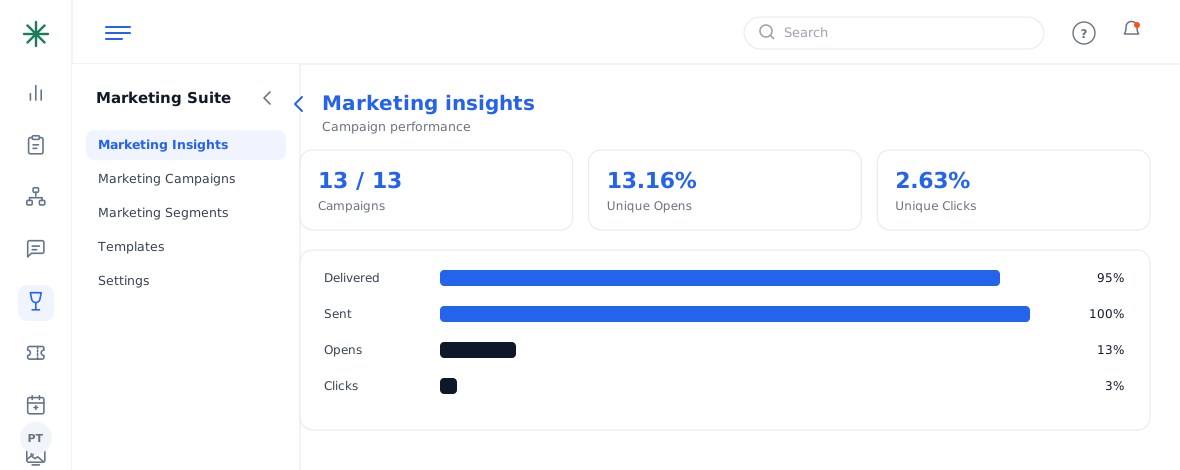
Campaign performance summary - Read the summary (Unique Opens %, Unique Clicks %), then pick a campaign to see its full funnel: Sent, Delivered, Opens, Clicks, Bounces, Unsubscribes.
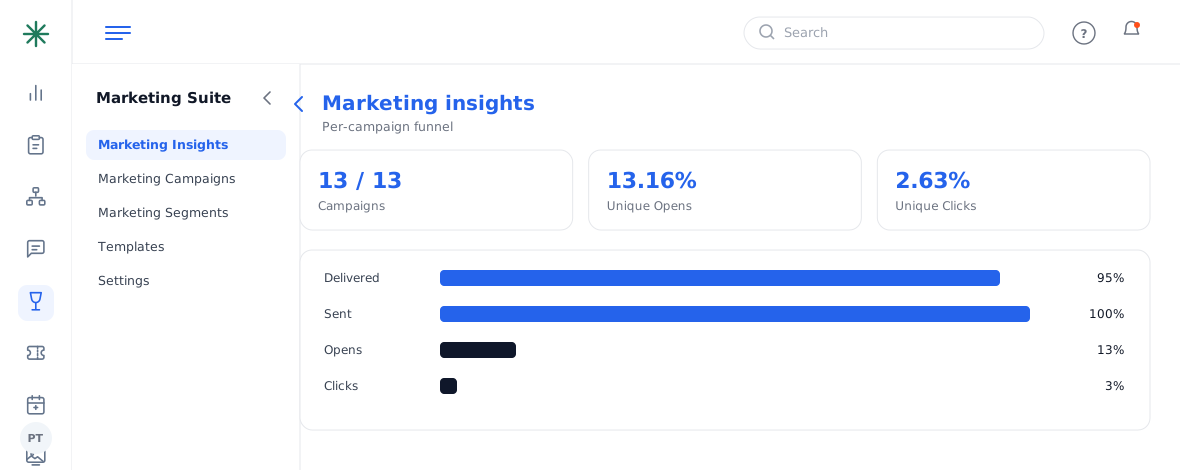
Per-campaign funnel
What the numbers mean
- Delivered vs Sent — a big gap means bounces (bad/unverified addresses).
- Unique Open % — how compelling your subject line was.
- Unique Click % — how compelling the content/offer was.
- Unsubscribes — a spike suggests wrong audience or too-frequent sends.
Frequently asked questions
My open rate is low — what should I change?
Usually the subject line and send time. Try a shorter, clearer subject and test a different slot.
Lots of bounces — why?
Unverified or stale addresses. Target verified subscribers and clean your list.
Clicks are low but opens are high — what does that mean?
People opened but didn’t act — strengthen the offer, the call-to-action button, and the link placement.