Editing an event’s details
Update dates, times, guest count, space and other event info.
Open any event to review and edit its full record.
- From Events, click the event name to open its detail page.
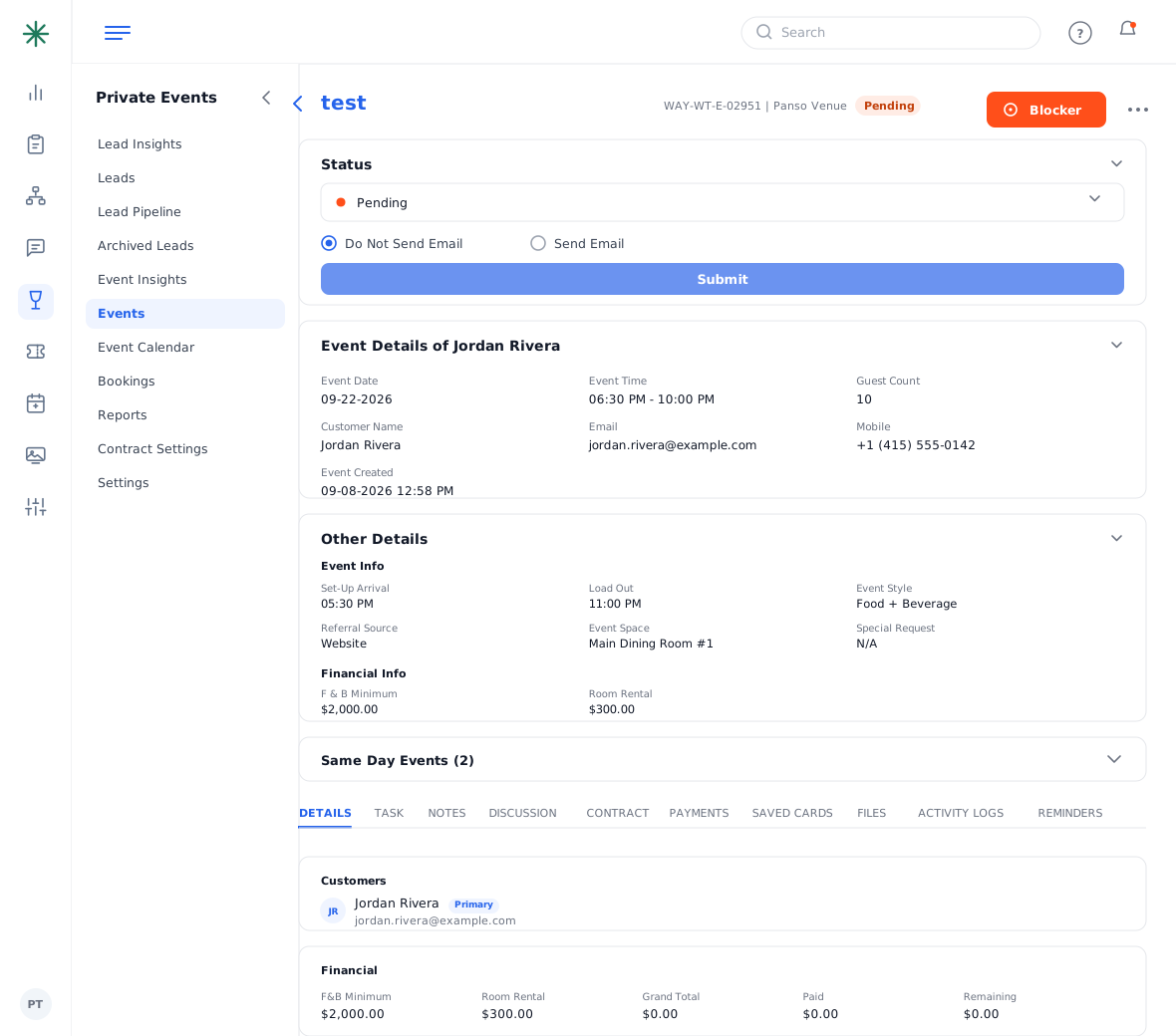
Opening an event - The top cards show Event Details (date, time, guest count, contact) and Other Details (set-up/load-out, event space, special request, F&B minimum, room rental). Use the edit controls to change any field.
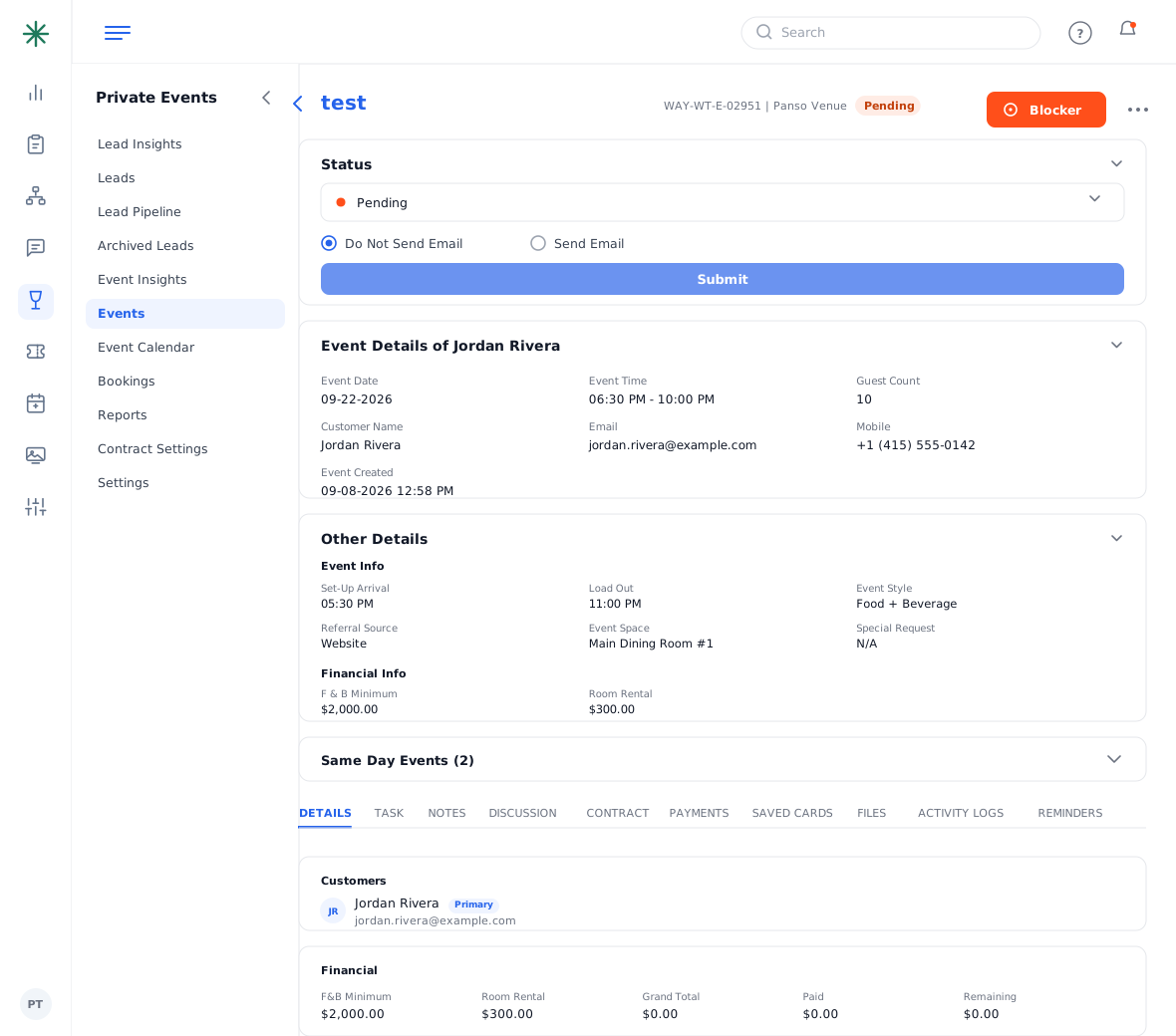
Event detail sections - Save your changes. Every edit is recorded in the Activity Logs tab.
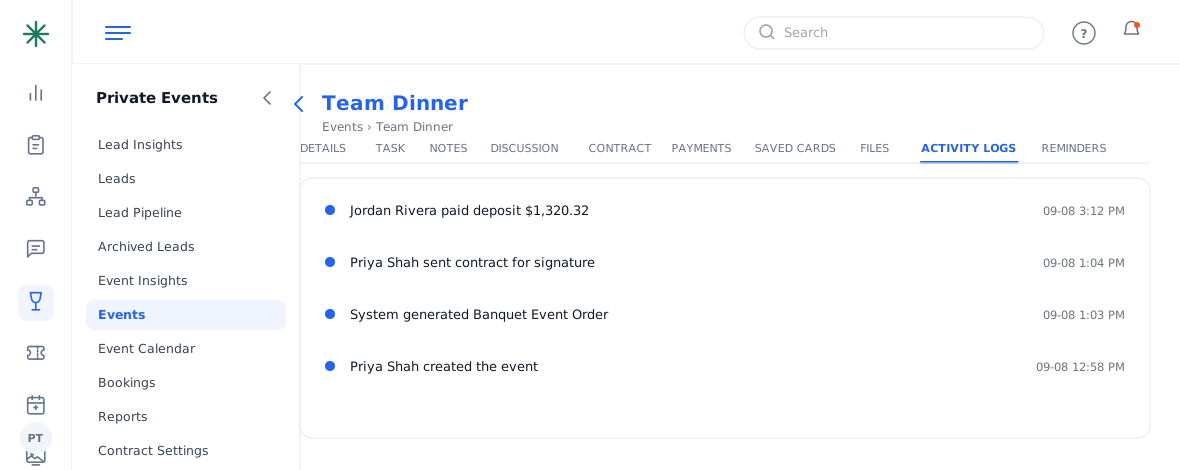
Activity Logs tab
The Same Day Events panel warns you of other bookings that share the date so you can avoid space clashes.