Using the Event Calendar & adding a blackout
See events on a calendar, filter them, and block dates you can’t take bookings.
The Event Calendar plots every event on a month or list view, with filters for space, status, manager and type.
- Open Private Events → Event Calendar. Switch between Month and List views (top right).
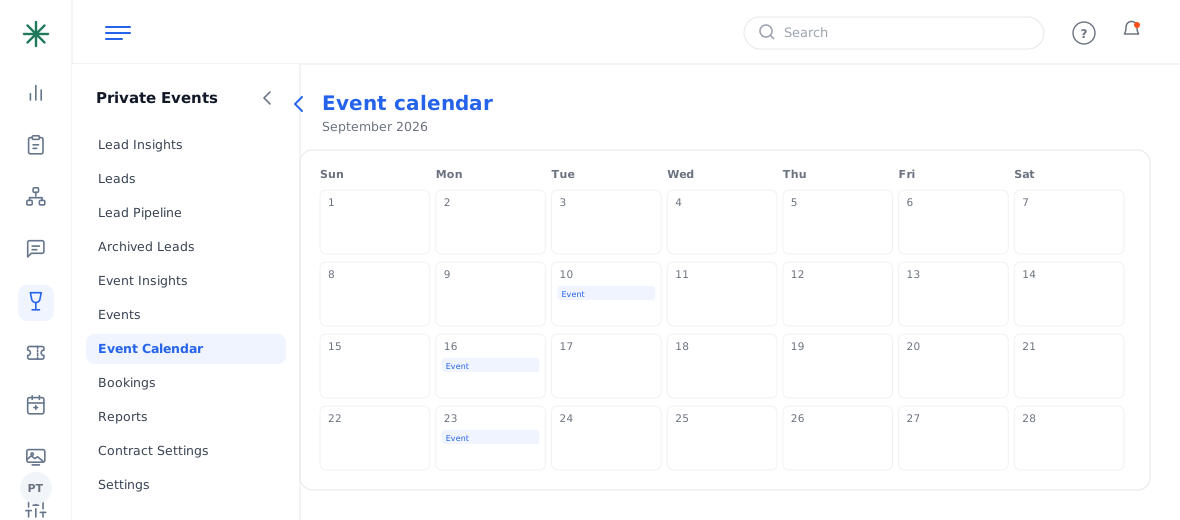
The Event Calendar - Use the filters (Location, Event Space, Status, Manager, Type) and Submit to narrow what shows.
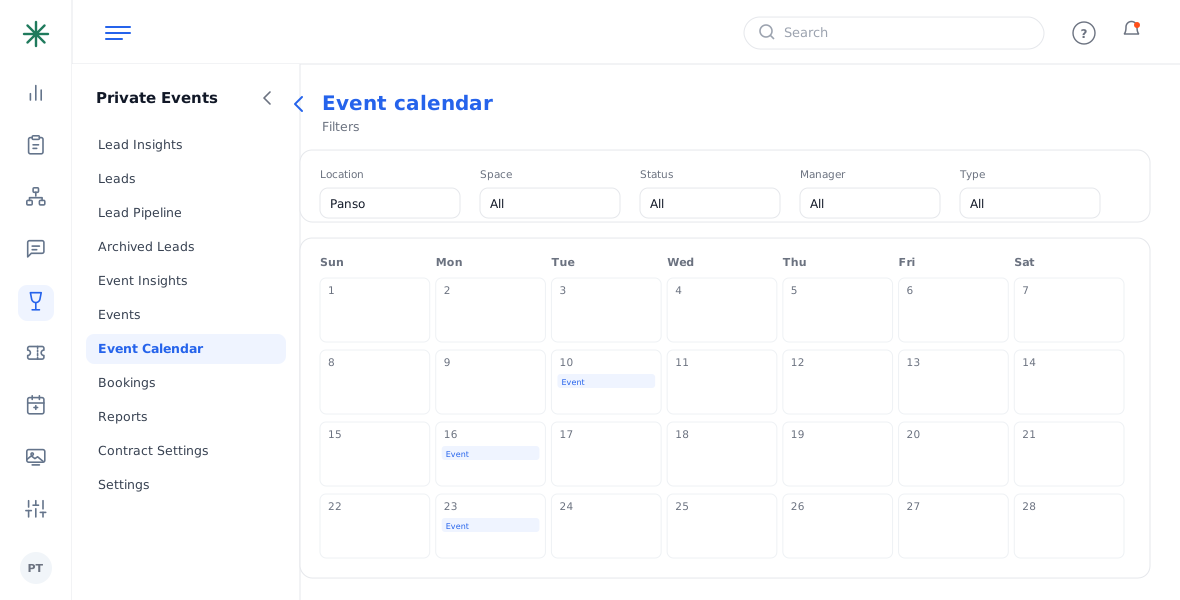
Calendar filters - To block a date, click + Add Blackout and choose the date/space. Use + Add Note for a day note.
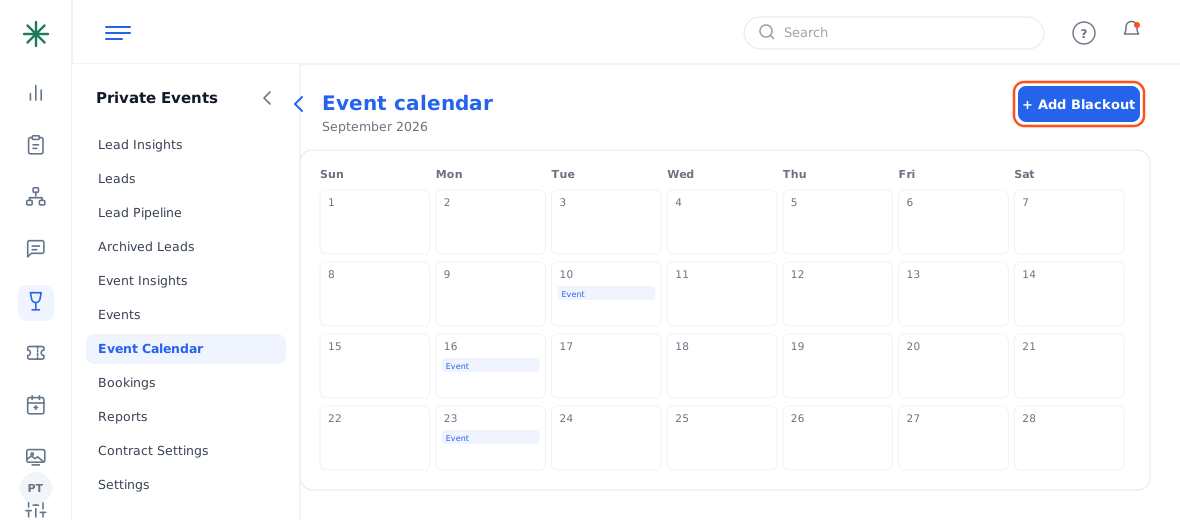
Add Blackout / Add Note
Compare Events lets you line up bookings side by side when a date gets busy.