The public Event Lead Form (and its link)
Where inbound event inquiries come from and how to share or embed the form.
The Event Lead Form is the public page guests fill out to request a private event. Every submission creates a Lead in your pipeline.
Where to find the link
- Go to Private Events → Settings → Lead Form Settings and open your venue.
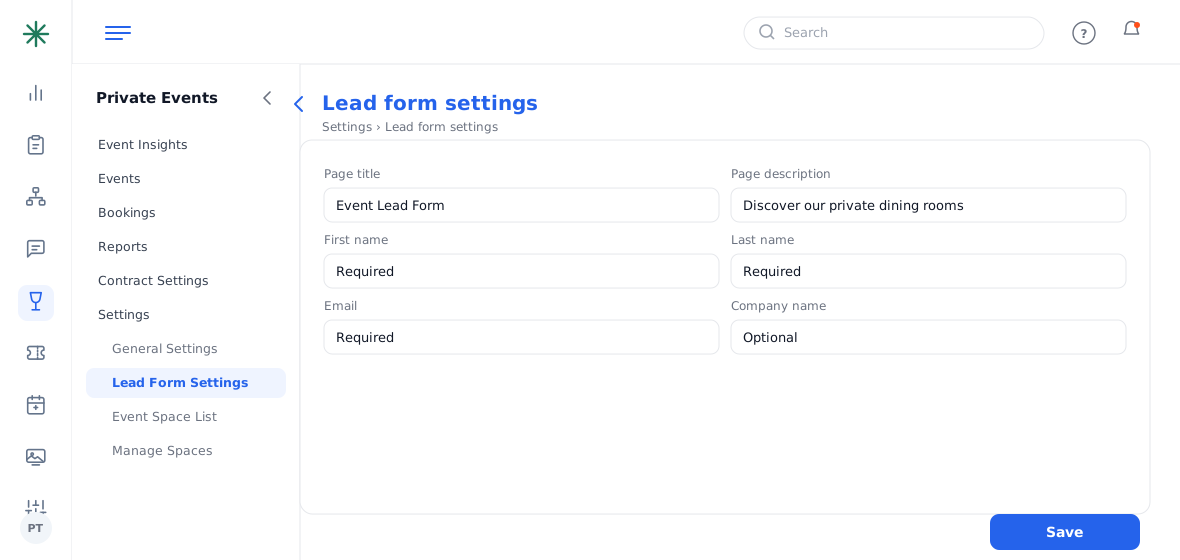
Lead Form Settings - On the Form Settings tab, set the page title, description, and which fields show (each can be Optional or Required).
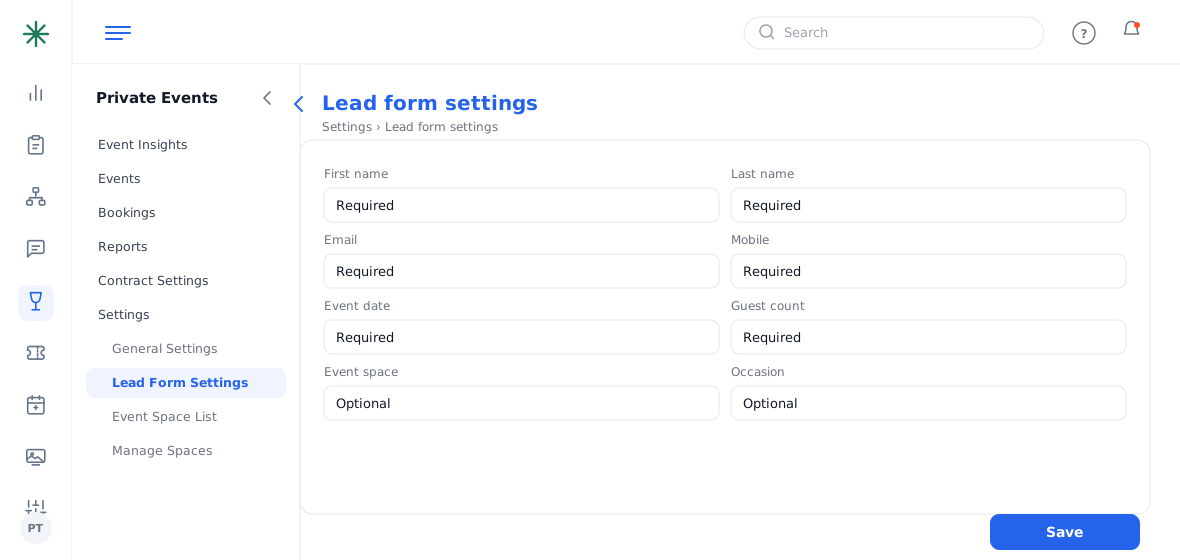
Form fields configuration - Open the Embed tab. At the bottom you’ll find the Form URL and an Open Form button; the styling controls let you match your site.
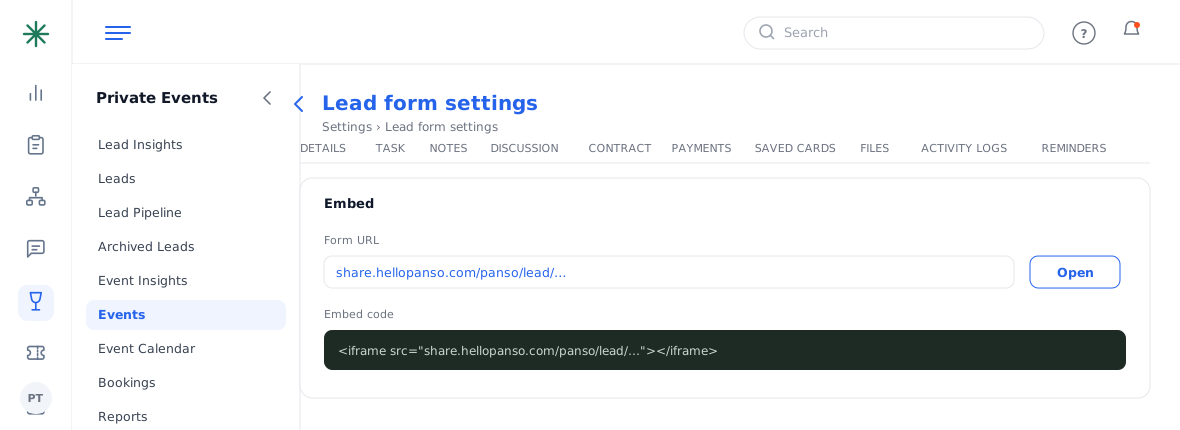
The Embed tab with the Form URL
The form opens on your guest portal domain, e.g. share.hellopanso.com/wayfare-tavern/lead/…. Share that link or embed it on your website.
Submissions flow straight into Leads, ready to qualify in the pipeline.