Applying a discount
Take a percentage or fixed amount off a contract subtotal.
Discounts are applied in the contract’s Invoice Totals section, just above the fee stack.
- In the contract builder, scroll to Invoice Totals and find the Discount field.
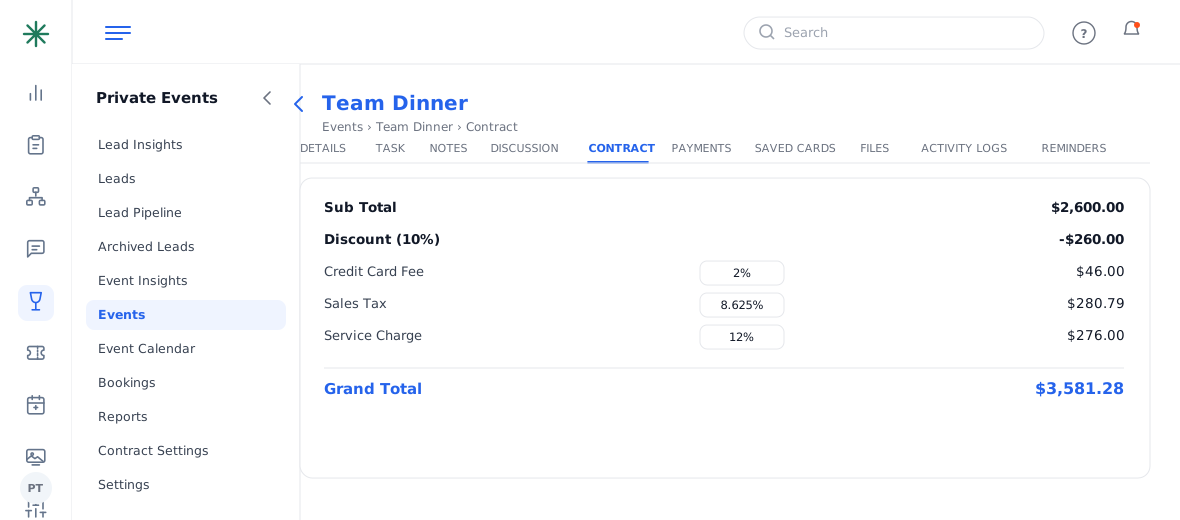
The Discount field - Choose Percentage or a fixed amount and enter the value. The Sub Total and Grand Total recalculate instantly.
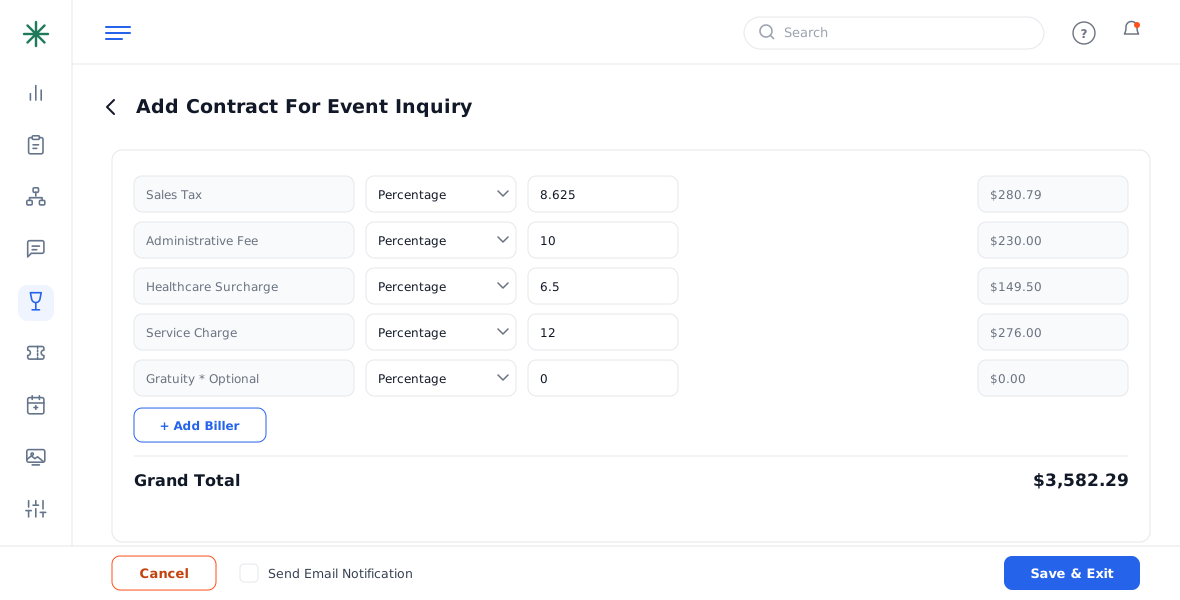
Discount applied to the subtotal
Discounts apply before taxes and fees, so the fee amounts adjust to the discounted subtotal automatically.
A discount can push you below a committed F&B or room minimum — watch the Unmet-minimum flags after discounting.
Frequently asked questions
Percentage or fixed — which?
Use a percentage for “10% off,” a fixed amount for “$200 off.” Both recalculate the sub total immediately.
Does the discount reduce the tax?
Yes — taxes and fees are calculated on the discounted sub total, so they drop too.
Can I discount a single line item instead?
Adjust that item’s price directly, or use the contract-level Discount field for an overall reduction.